


UPERFECT UMax 22"2K QLED Touchscreen Portable Monitor 137%sRGB External Second Touch Screen Display For Laptop/PC/Phone MAC
UPERFECT UMax 22"2K QLED Touchscreen Portable Monitor 137%sRGB External Second Touch Screen Display For Laptop/PC/Phone MAC
SPECIFICATIONS
Application: Laptop
Black and White Response Time: 20 ms
Bracket Type: Swivel Lift Bracket
Brand Name: Uperfect
Brightness: 300cd/m
Built-in Speaker: Yes
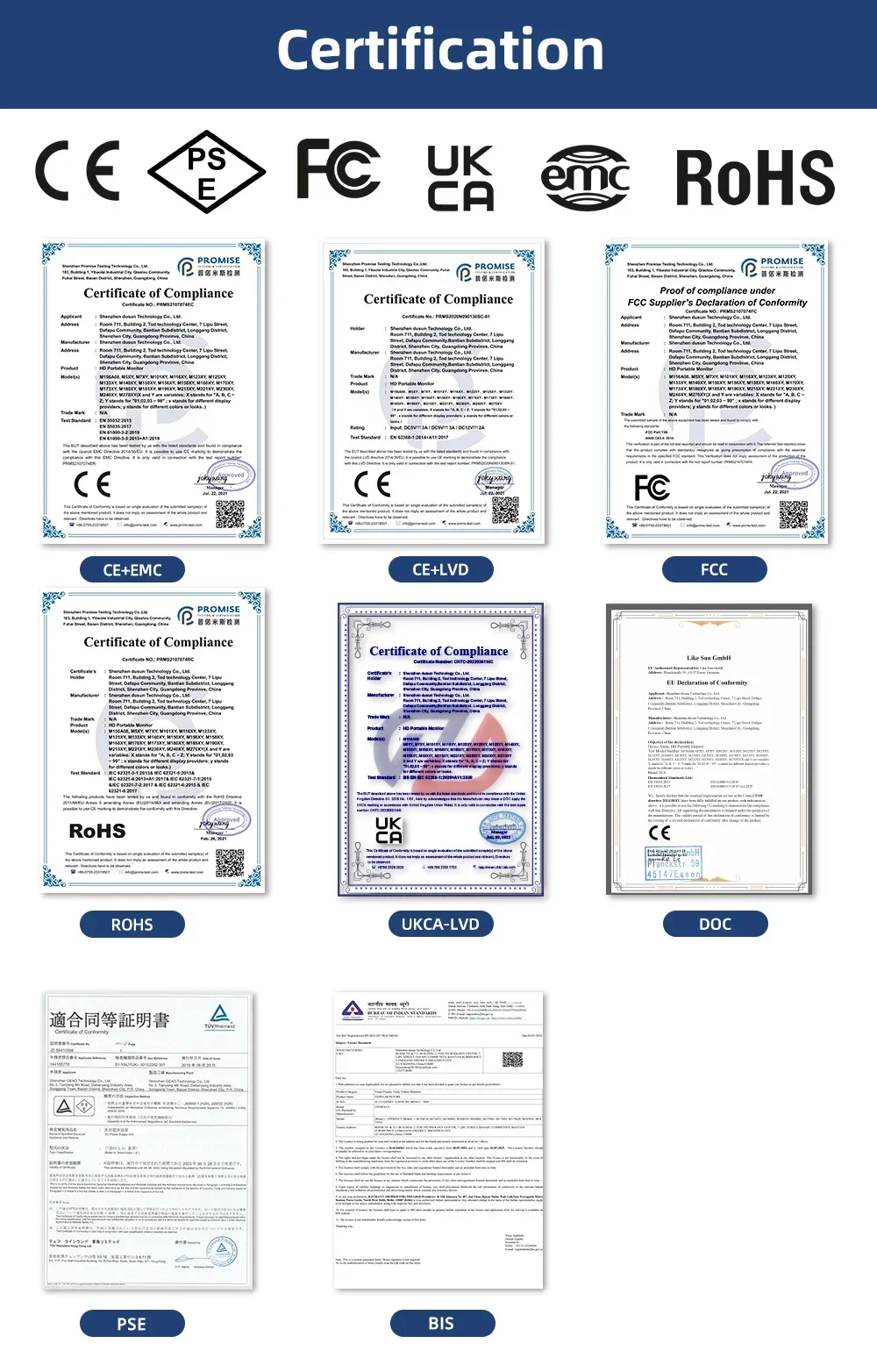
Certification: CE,FCC,RoHS,pse
Contrast Ratio: 1000:1
Display Ratio: 16:9
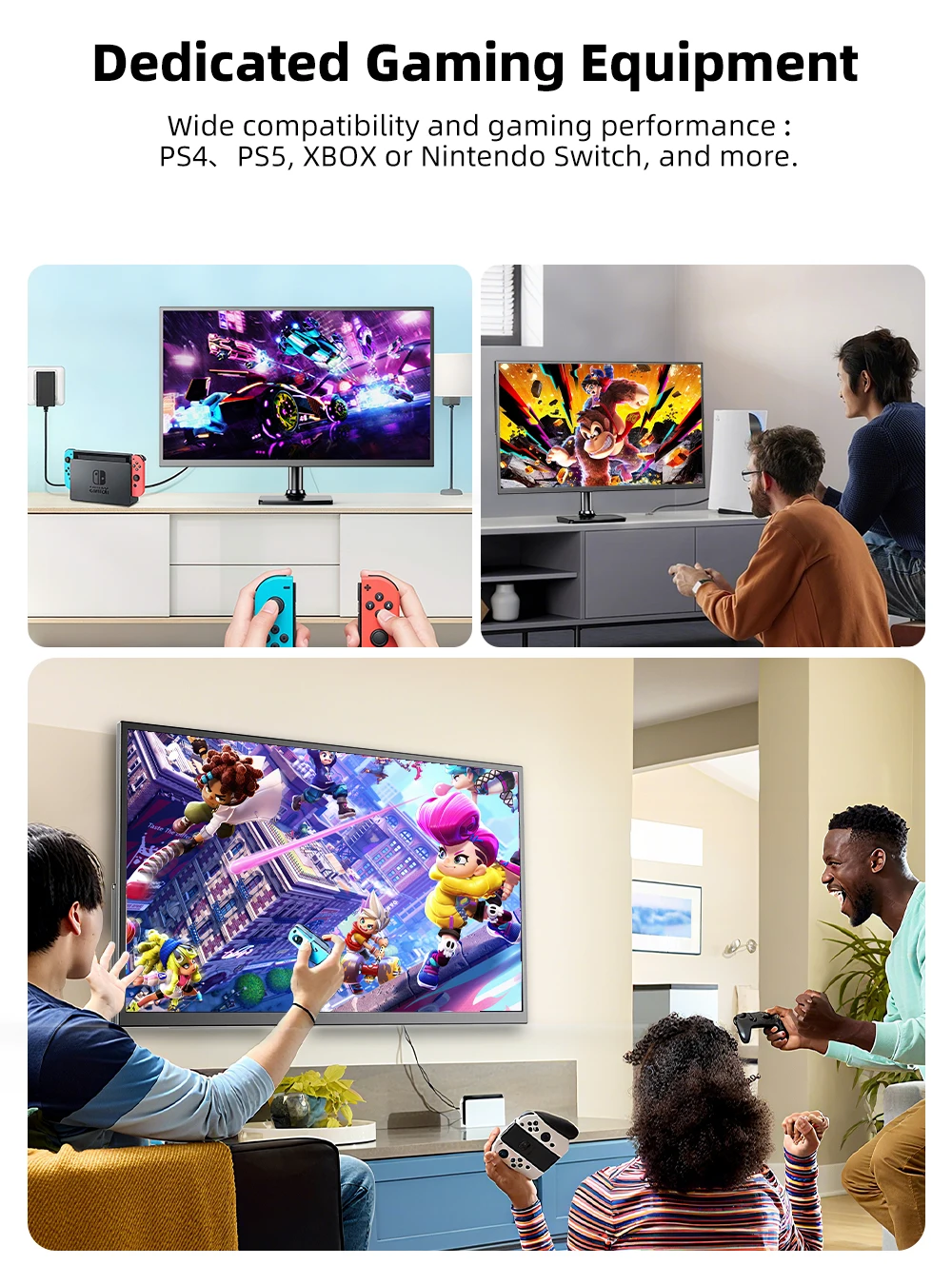
Feature: Speaker,Touch Screen,Gaming
High-Dynamic Range: Other
High-concerned chemical: None
Horizontal Viewing Angle: 178°
Interface Type: HDMI-Compatible
Matrix color depth: 8 bit
Origin: Mainland China
Panel Type: IPS
Pixel Pitch: 0.27mm
Products Status: STOCK
Refresh Rate: 60 Hz
Refresh rate sync technology: AMD FreeSync
Resolution: 2560x1440
Response Time: 20ms
Screen Type: WLED
Screen curvature: NONE
Screen surface: Glossy
Vertical Viewing Angle: 178°
UPERFECT UMax 22"QLED TouchScreen
22 Inch Portable Touchscreen Display
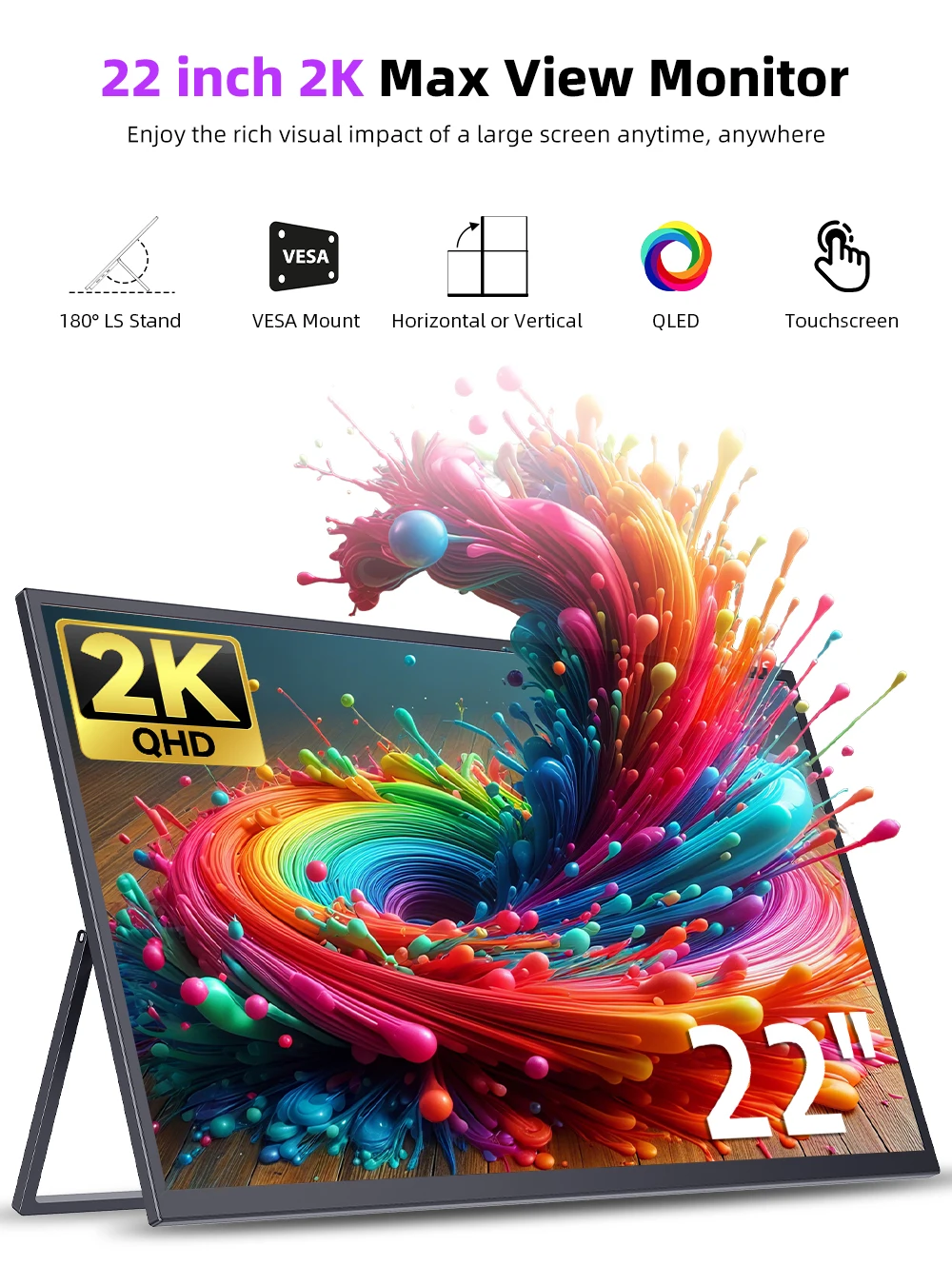
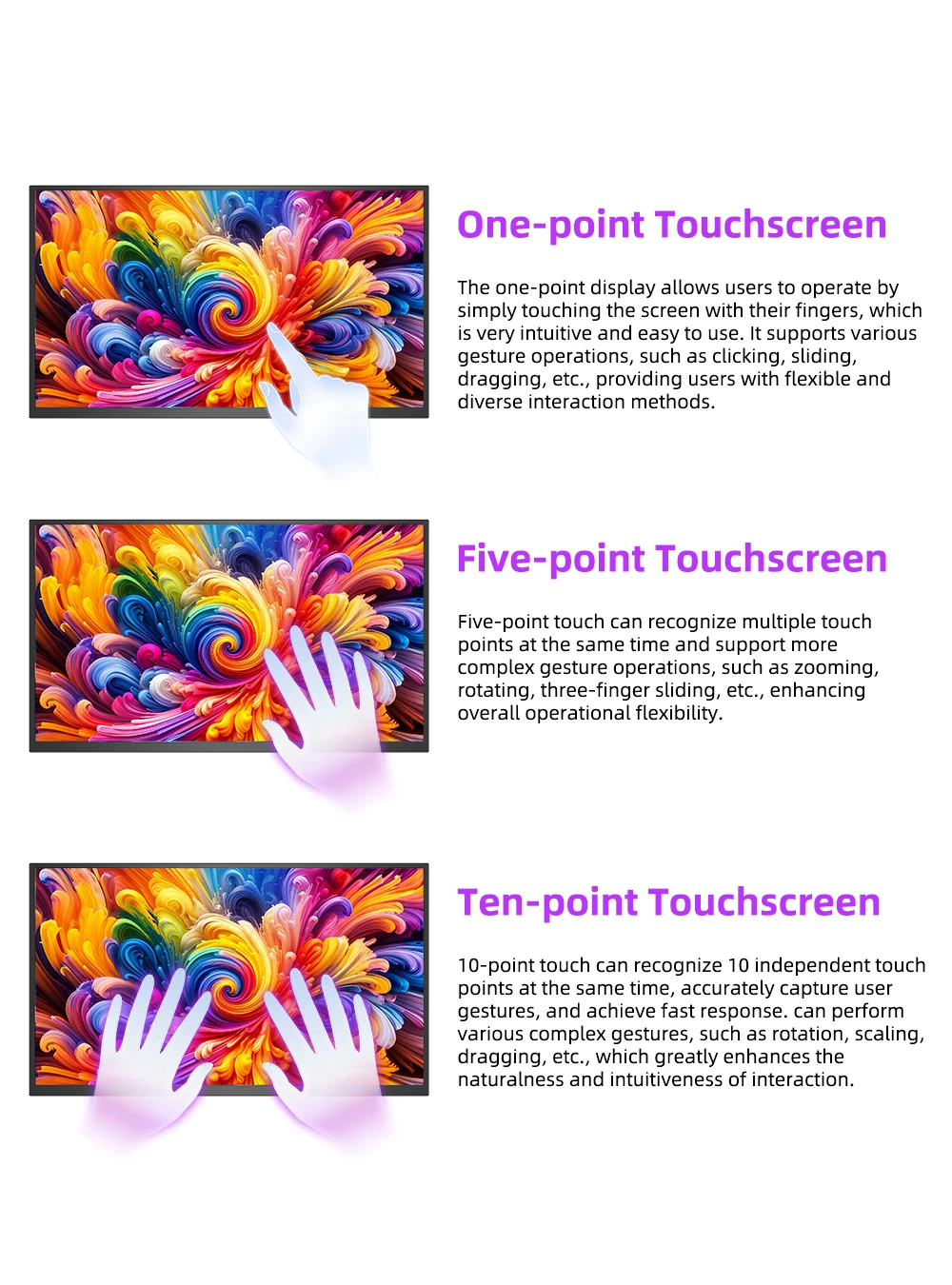
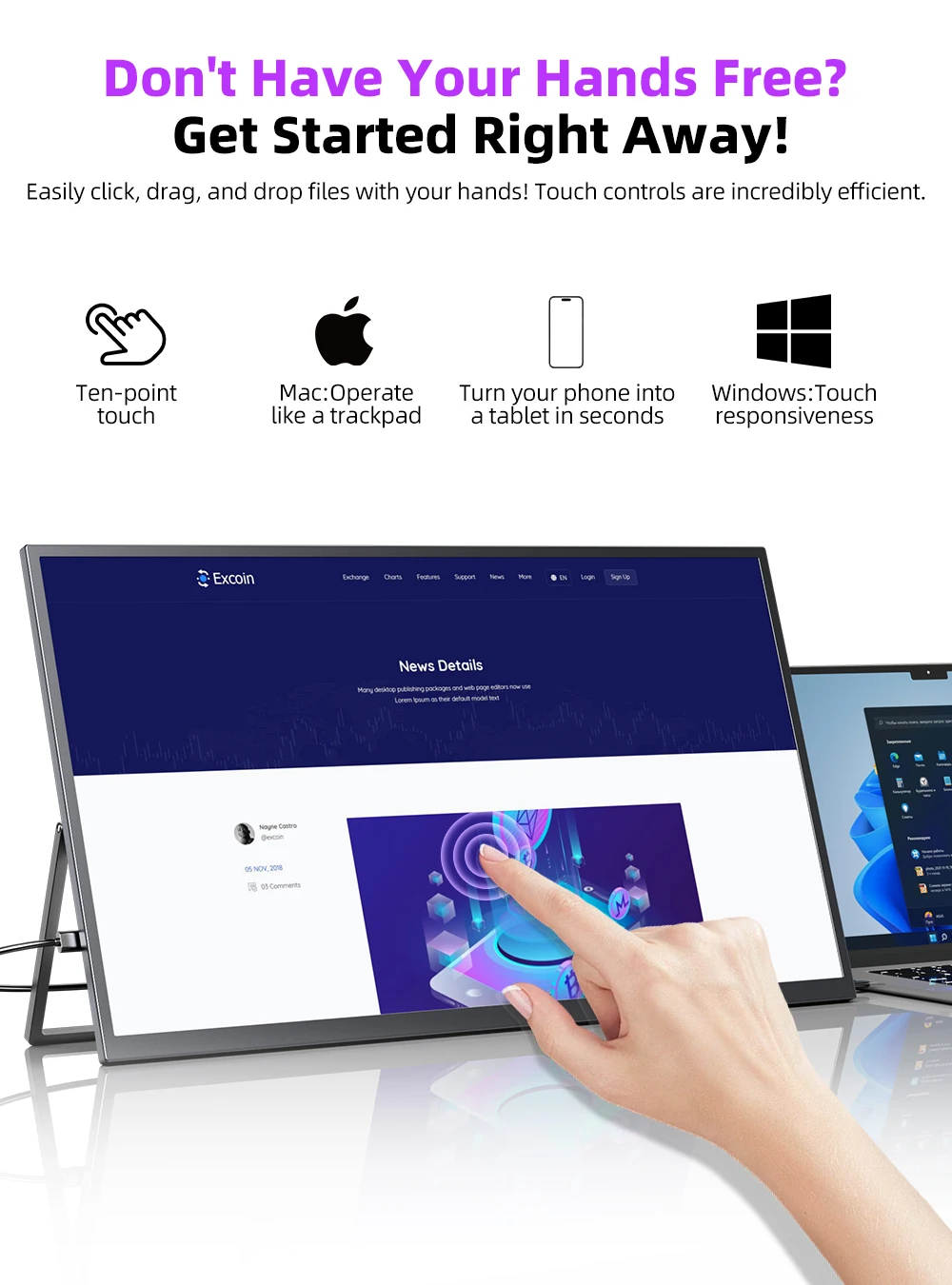
Experience seamless interaction with the multi-touch capability of this large portable touchscreen monitor. Easily swipe, zoom, and navigate through applications, enhancing productivity for professionals who require an intuitive interface for presentations and creative work. Please Note: The touch functionallity of this 22 inch portable monitor is not available when the monitor is connected to devices such as Apple devices, PS3/4/5, Switch, X-box, Steam-Deck, Fire TV stick/ cube, etc
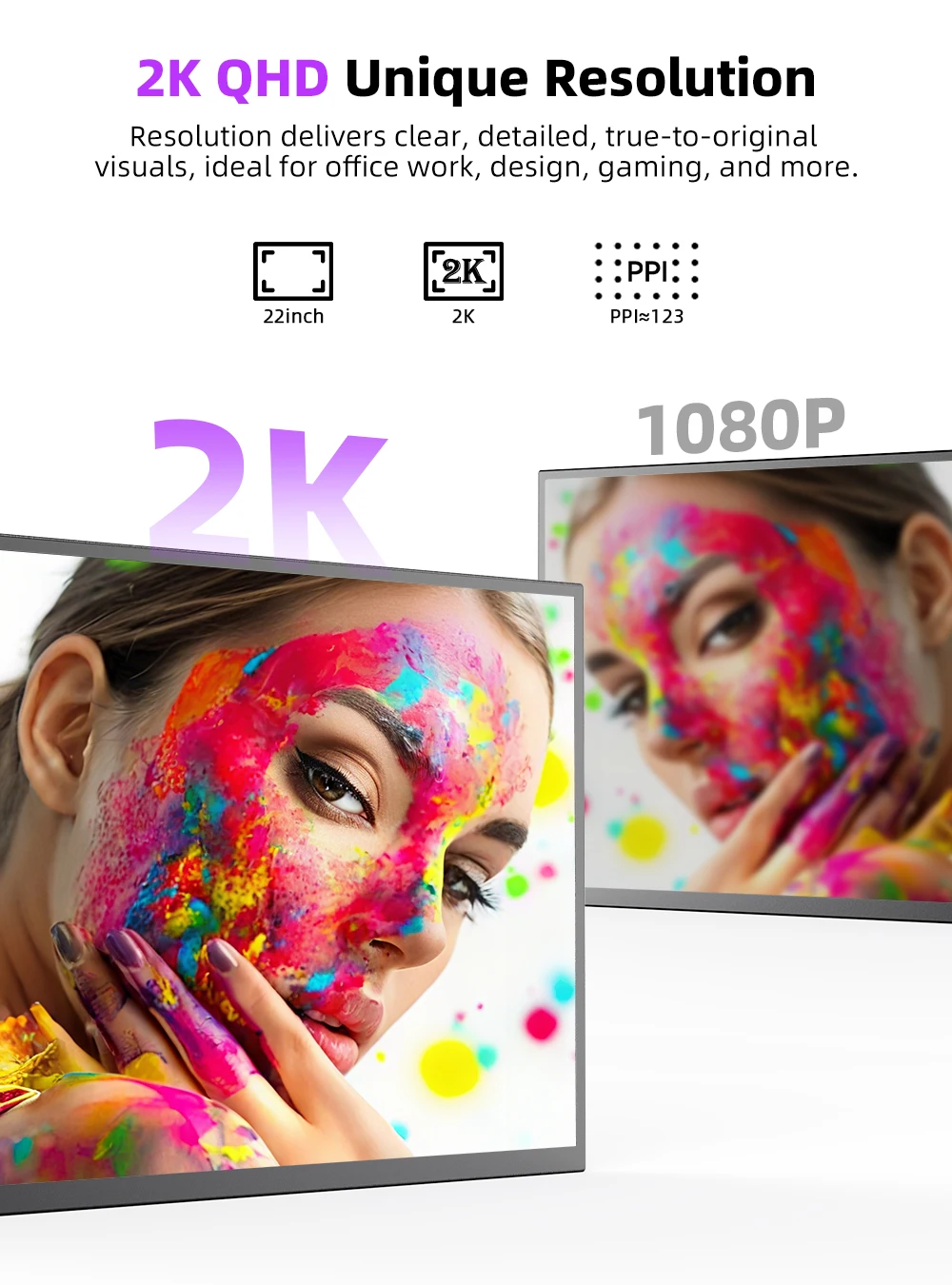
2K QLED & Eye Care
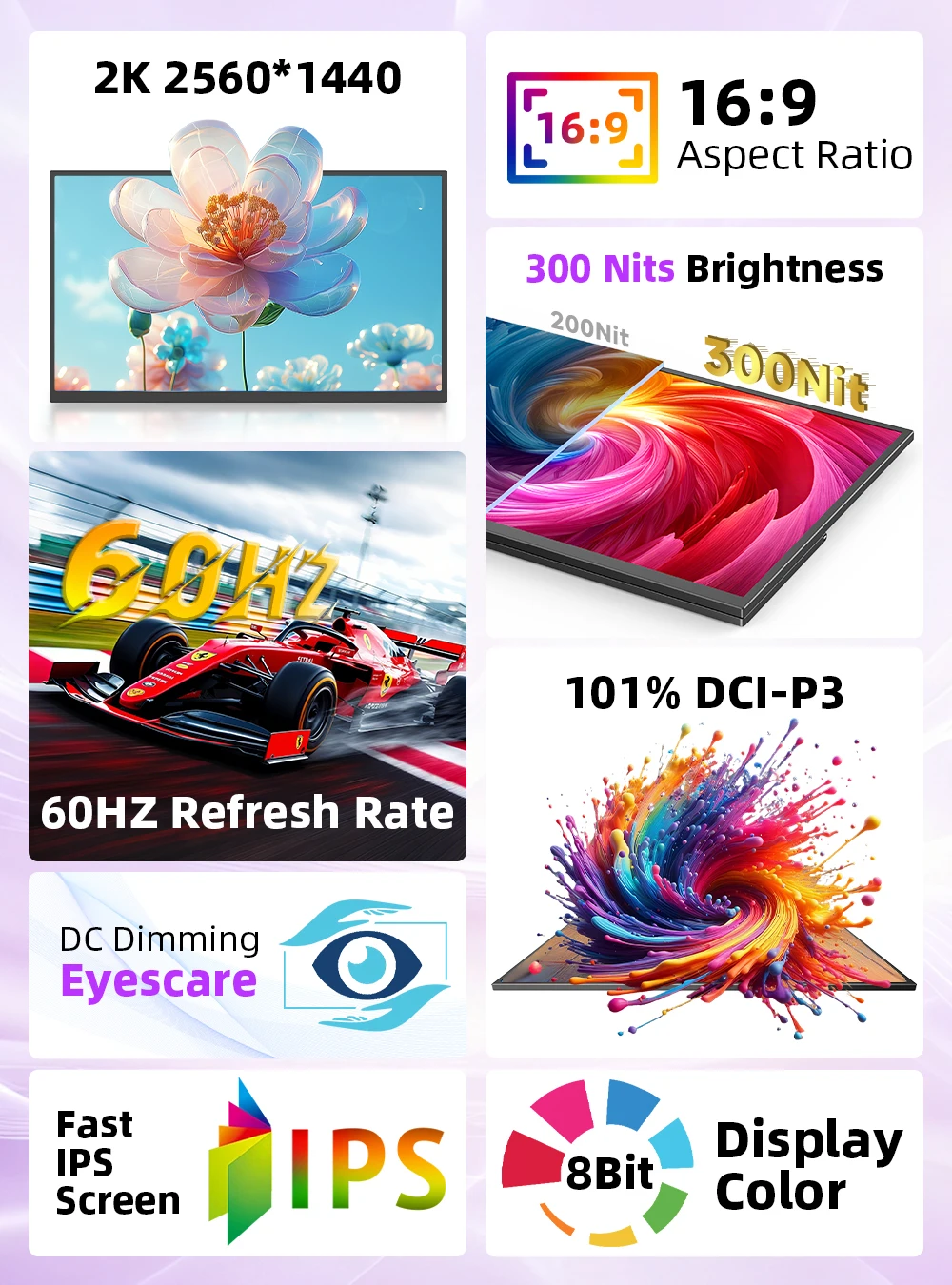
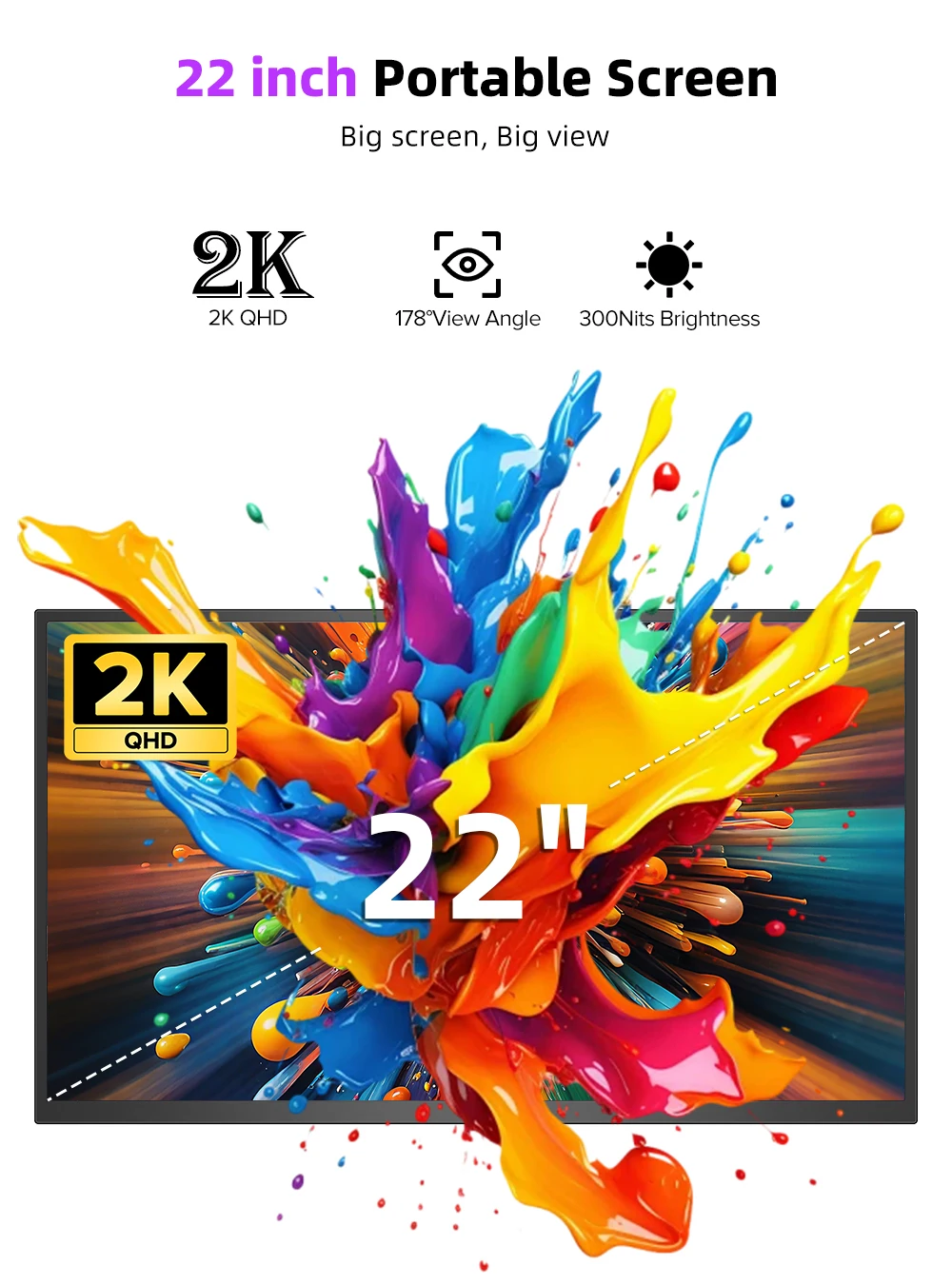
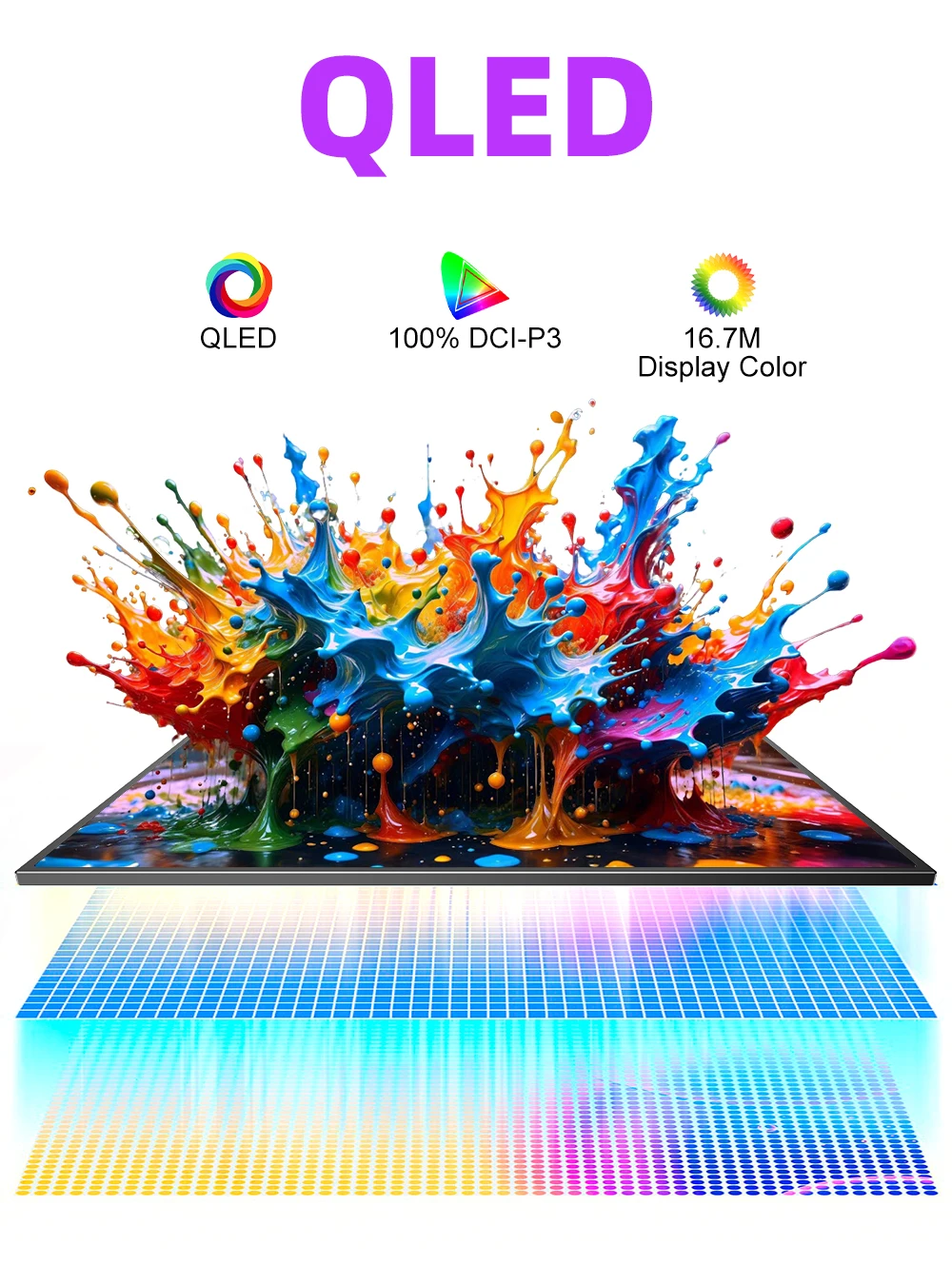
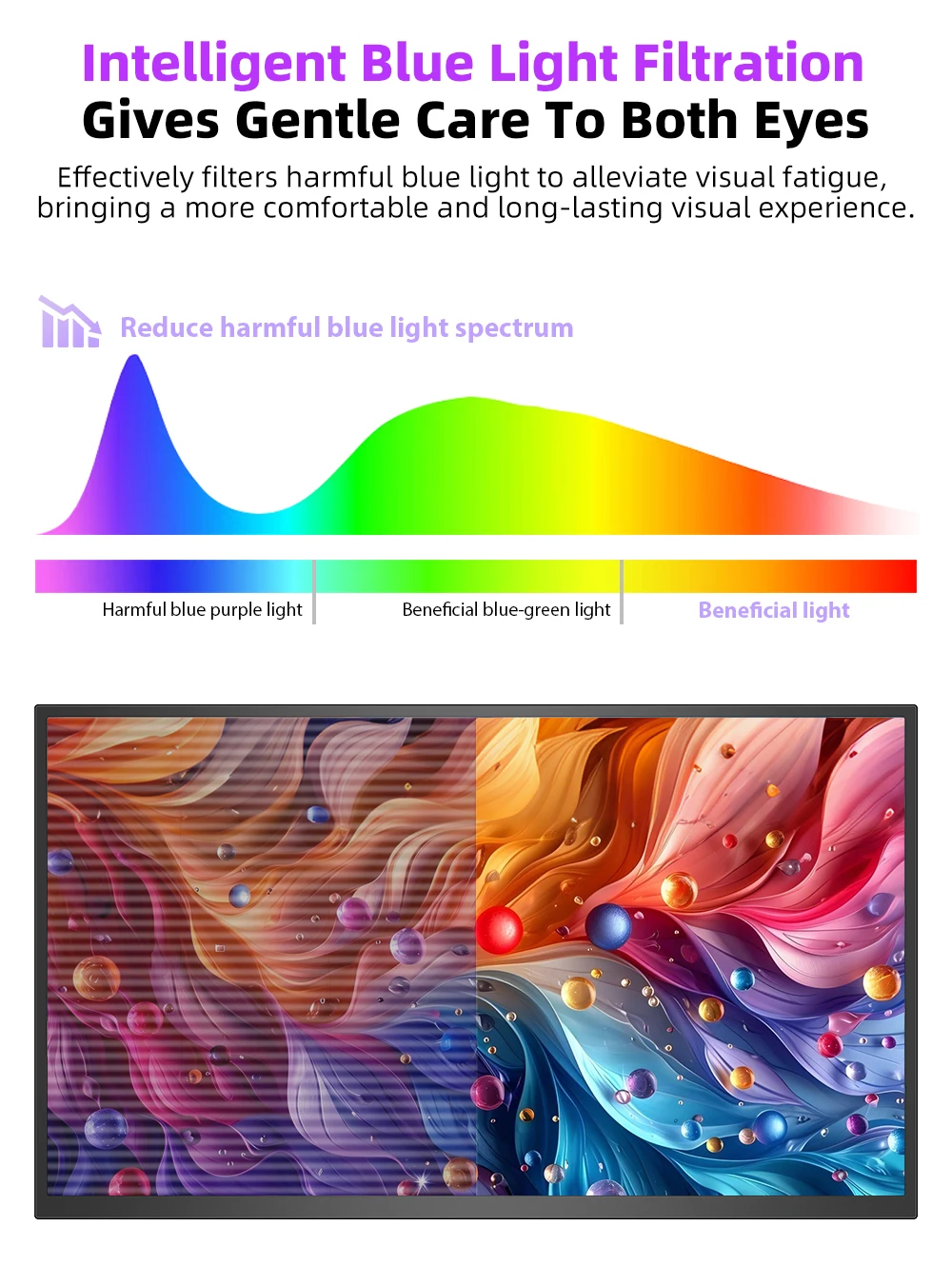
The UPERFECT 22" QLED monitor Enjoy vibrant and accurate colors with 100% sRGB color gamut coverage, 300 nits of brightness, low blue light and a 1000:1 contrast ratio, making this portable monitor ideal for professional and entertainment use.
Slim, Light & Portable
This portable monitor is designed to be thin, slim & light. The ultra-portable design makes it easy to carry for business trip or travelling; Additionally, the smaller screen size enhances energy efficiency and cost-effectiveness
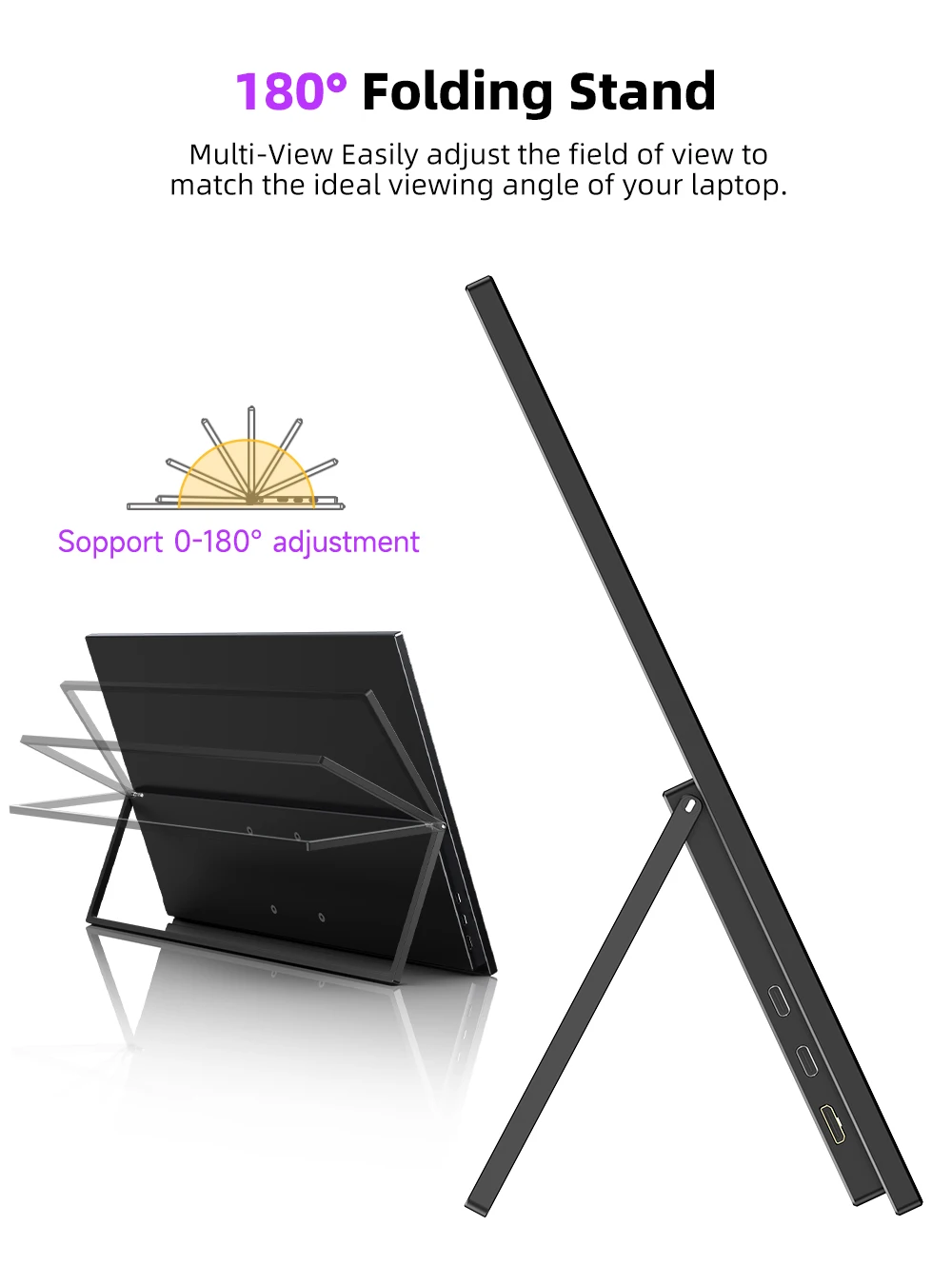
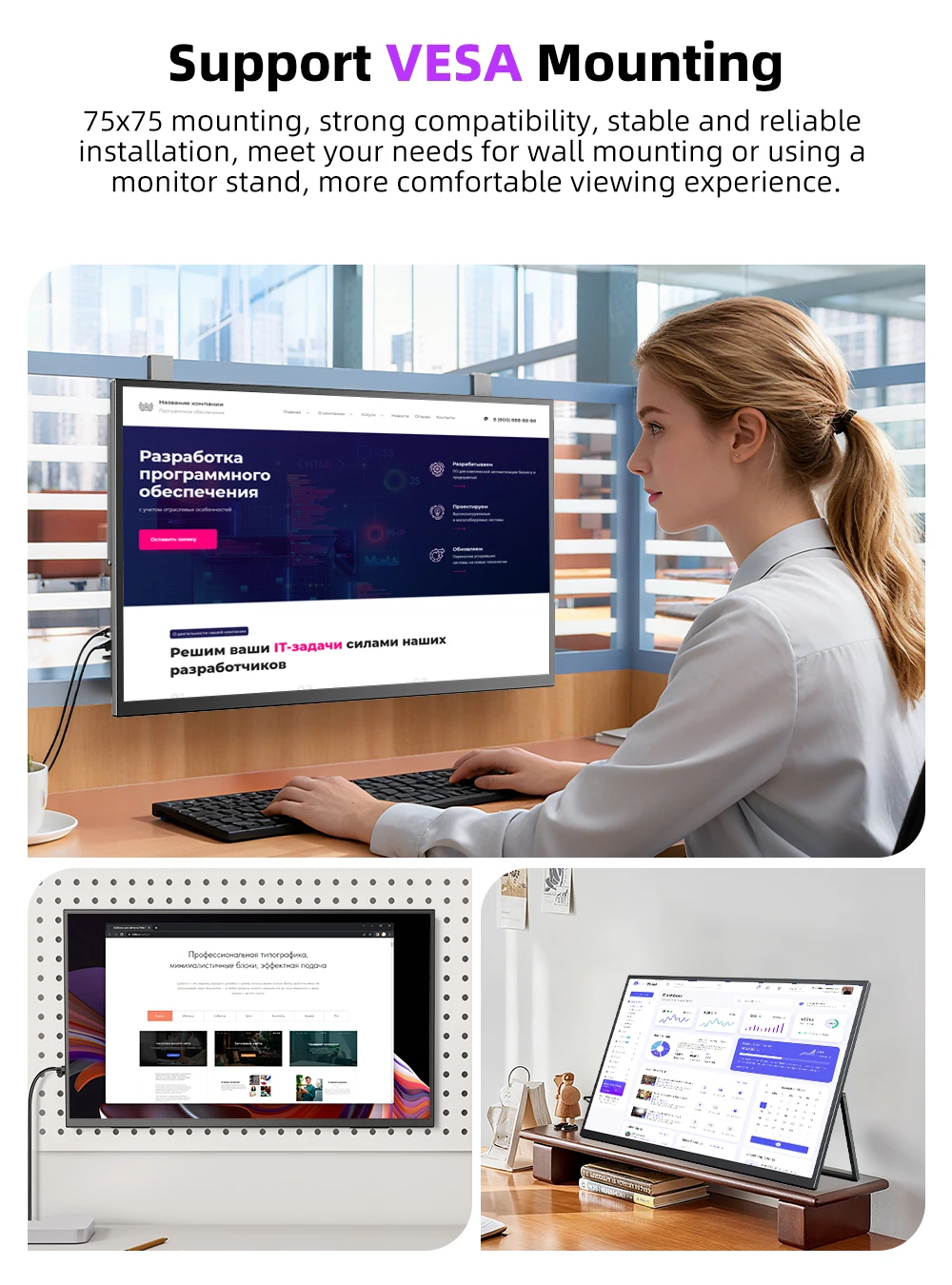
Versatile Connectivity Options
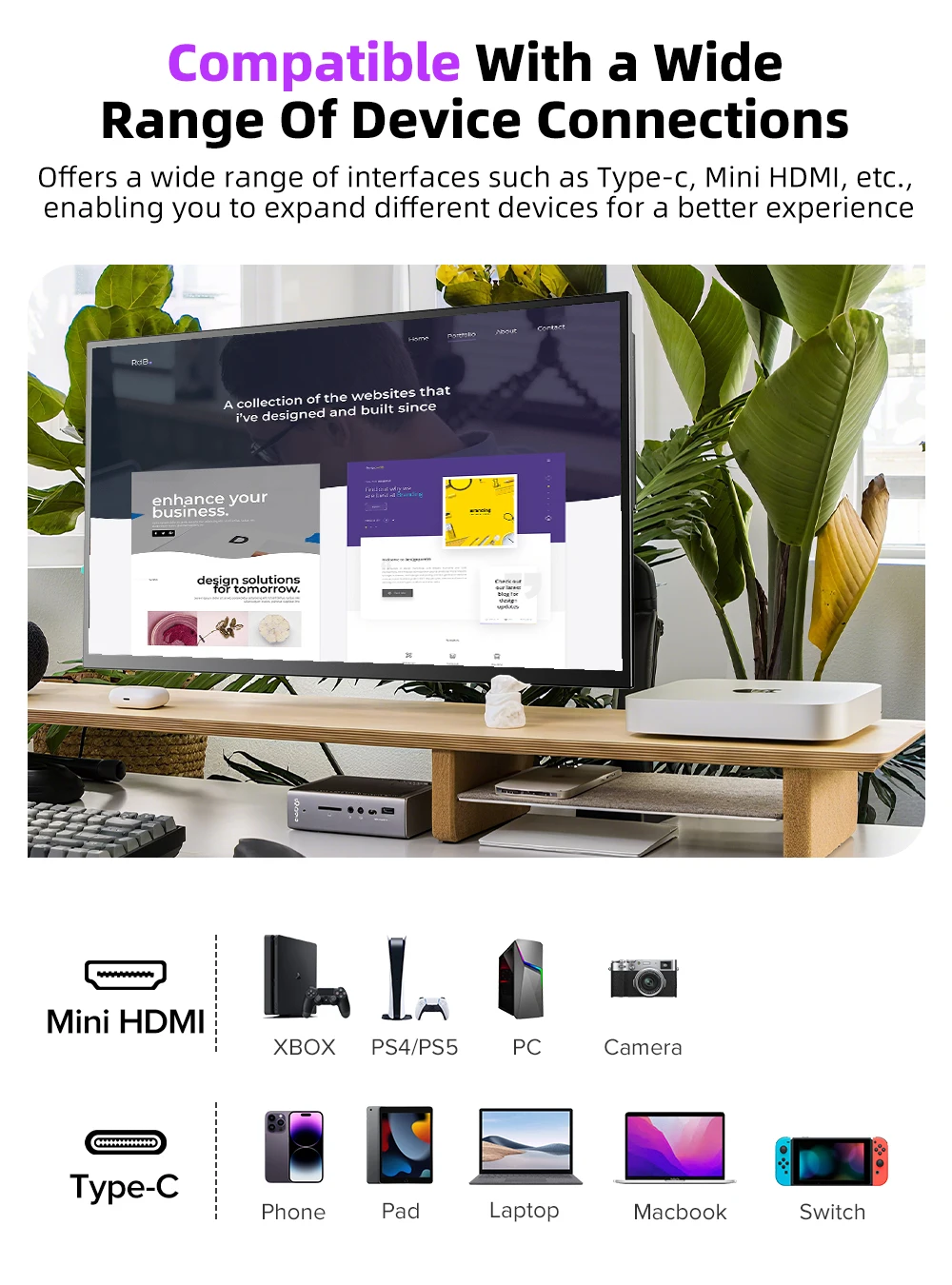
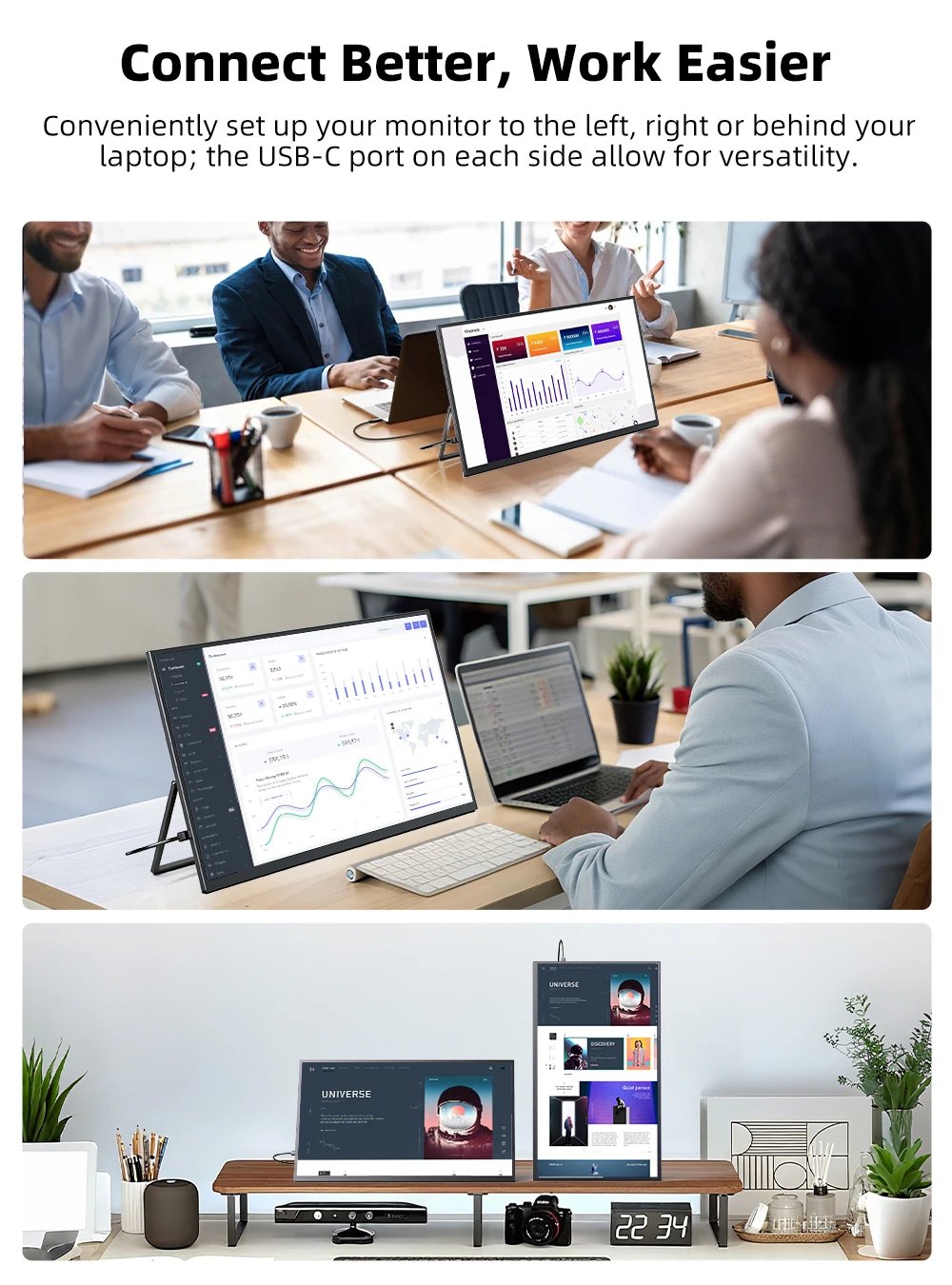
Equipped with USB-C and HDMI ports, this external second touch screen allows for easy connection to a wide range of devices, including laptops, PCs, and smartphones. Please Note: Please connect the DC port via the power adapter to provide stable power supply for this large portable touch screen monitor before connecting to the devices.
Basic screen parameters
Screen size: 22
Resolution: 2560 * 1440
Contrast ratio: 1000:1
Screen ratio: 16:9
Panel type; QLED
Display area; 475.392(H) × 267.408(V)
Device bandwidth (≥): 10 Gbps
Refresh rate (HDMI): 60Hz
Refresh rate (type-c): 60Hz
Brightness (cd/m ²): 300
Pixel density: 136 PPI
Viewing angle: 178 ° full view angle
Color gamut parameter: 97.00%
sRGB:136.90 %
Adobe RGB:101.50 %
DCI-P3:101.00 %
Display color: 16.7M (8-bit)
Color gamut level: Full color gamut
Response speed: 20
Screen diagonal: 55.880 CM
Additional features
One cable communication: support (requires external power supply)
Touch: Touch
FREESYNC: Supports
Built in speaker: 2 * 8 Ω 1W
OSD menu key: Touch
Touch screen type: capacitive G+G
Length: 533 mm
Width: 327 mm
Height: 86 mm
Weight: 3357 g
Volume: 14989026.00 mm ³
Appearance
appearance:Bracket style (LS)
Color: Black
Shell material: back panel metal+middle frame
plastic+front frame plastic
Border type: narrow edge
VESA hole spacing: 75 * 75mm
VESA hole specification: M4 * 4mm
Number of Vesa holes: 4
Interface direction: The interface is on the left side
Screen type: Mirror
Display interface
√ 1 * mini HDMI (signal source)
√ 2 * Type C (fully functional type C, USB PD protocol (Pro Mic) can provide power and transmit signals) √ 1 * USB OTG (Micro USB-B interface, hard disk data transfer, connected to mouse and keyboard). )(Micro USB-B OSUSB-A)
√ 1 * 3.5mm headphone jack
Power consumption&fixed accessories
rated power:16W
Power type:PD30W power supply
Fixed accessories:
1 * Monitor 1 * MINI HDMI cable (4K)
2 * C-C cable
1 * U-C cable
4 * VESA screw
4 * 4 set
1 * PD 30W power head
1 * Instruction manual
Q&A
Q:How to get touch function?
A:1. When the devices you connect with the monitor own a Type-C 3.1 port, you can get the touch function just using a C-C cable to connect.
2. When you connect the device with the monitor through mini HDMI port, please use the A-C cable to plug in the Type-C port on the monitor for the touch function. And don’t forget to plug in power adapter.
3. When connect to phones without Type-C 3.1 port or iphone, you would need an ios/android to HDMI adapter and a mini HDMI to HDMI adapter to connect to the monitor for signal transmission. And please check what the port is on your devices and note that there will be NO TOUCH function in this case. Please make sure you don’t mind before you place an order.
4. We recommend you to plug in the original power adapter to get sufficient power for the monitor and work smoothly. Or it would have some issues such as flickering, on-and-off and so on.
Q:Abnormal conditions occurred - like the splash screen or spotswhen using the monitor.The monitor is constantly restarting.
A: 1.It is caused by an insuncient power supply. Monitor required large powersupport.Please use the attached genuine cable provided to power the monitor.
2.lf use the mobile power bank to power the monitor, please con rm whether themobile power bank is a PD power bank that has reached 30W or more.Please contactus if you need a power bank.
3.lf the resolutions above do not work, please try another computer device. If itfailed, please contact us for the replacement of the cable.
Q: Why doesn't 2k resolution work when connected to my device?
A:1.Double-check the resolution settings on both the display and the connecteddevice to ensure they are set to 2K resolution.
2.Verify that the cables and ports used are capable of supporting 2K resolution.
3.Update the display drivers and graphics card drivers to the latest versions.
lf none of the above steps work, contact the UPERFECT customer support for furtherassistance.
Q: The monitor fails to start and the screen is blank.
A: 1.Please TURN ON the power supply.
2.Please check whether the connection is correct. Please unplug the cable andreconnect.Please use the genuine cable and the power adapter.
Note: Most Samsung mobile phones can not power for the monitor, please power themonitor with an additional power adapter.
3.Please contact us if the troubleshooting above does not help.
Q: The display is TURN-ON, shows "NO SIGNAL" or "POWER SAVING".
A: 1.Please check if the mobile phone supports USB3.1./Thunderbolt 3.when you areusing Type-C to Type-C to connect the monitor and the mobile phone.An HDMI adapter is required to transfer the signal if your mobile phone does not supportUSB3.1./Thunderbolt 3.
2.Please check whether the connection is correct.Please use the genuine cableprovided.
3.Please try another computer.If it failed, please contact us for the replacement ofthe cable.
Couldn't load pickup availability
Out of stock
View full details


