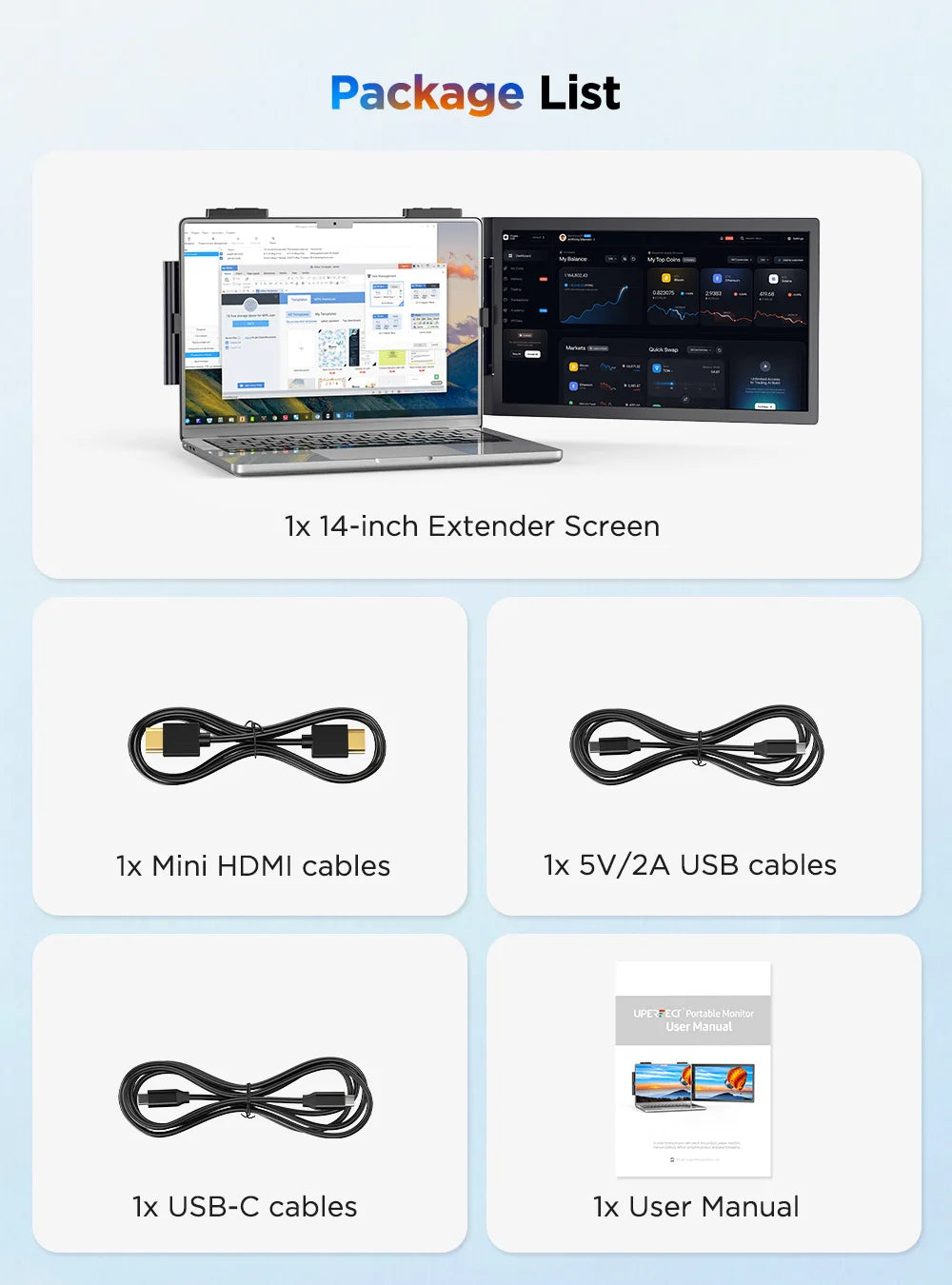
UPERFECT Laptop Screen Extender 14" FHD 1080P IPS Laptop Monitor Extender Dual Screen Portable Monitor for Laptops 13-17"
UPERFECT Laptop Screen Extender 14" FHD 1080P IPS Laptop Monitor Extender Dual Screen Portable Monitor for Laptops 13-17"
SPECIFICATIONS
Application: Laptop
Black and White Response Time: 10 ms
Bracket Type: Ordinary Bracket
Brand Name: Uperfect
Brightness: 300cd/m
Built-in Speaker: No
Certification: CE,FCC,RoHS
Contrast Ratio: 1000:1
Display Ratio: 16:9
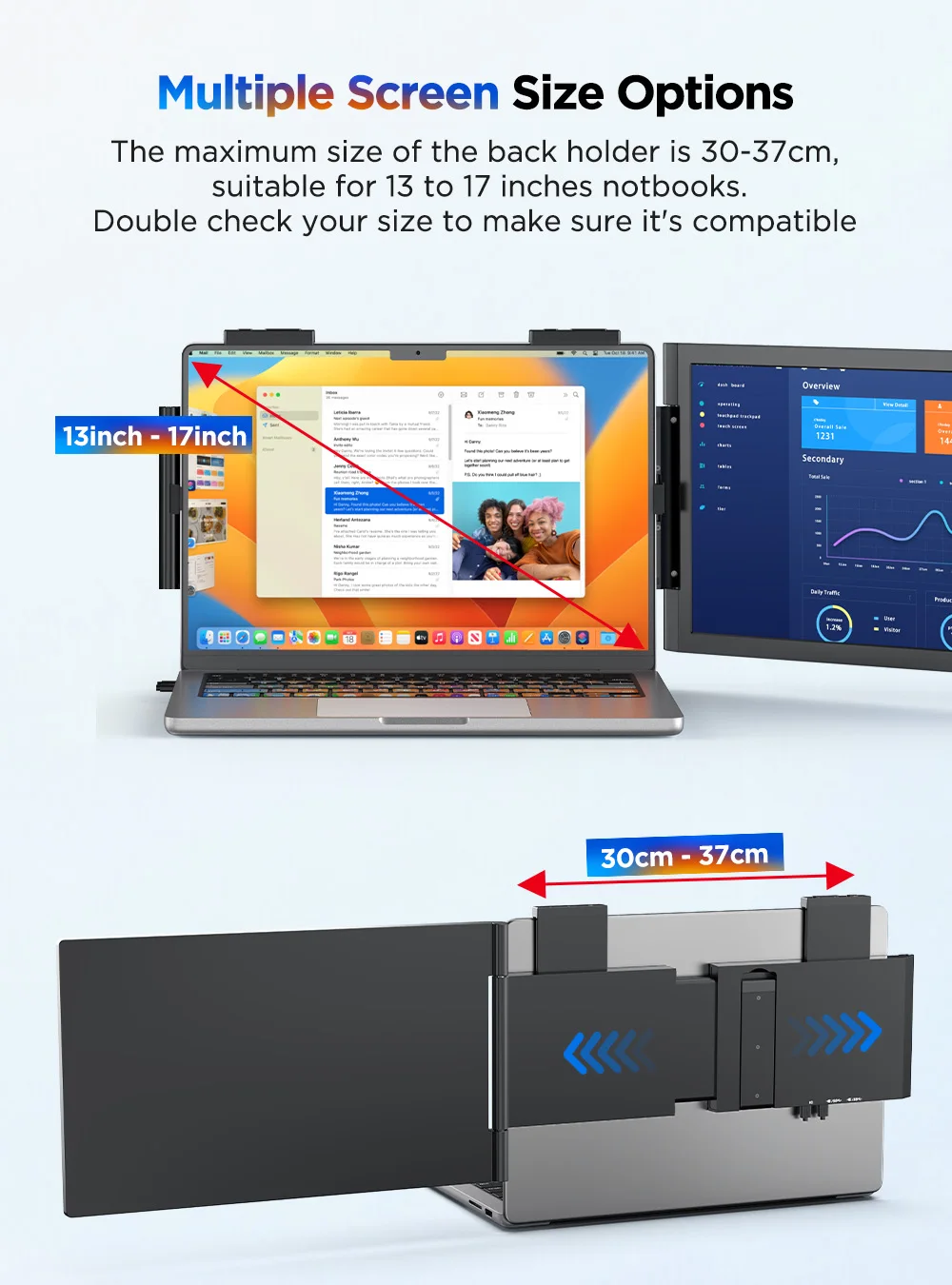
Display Size: 14Inches 350mm
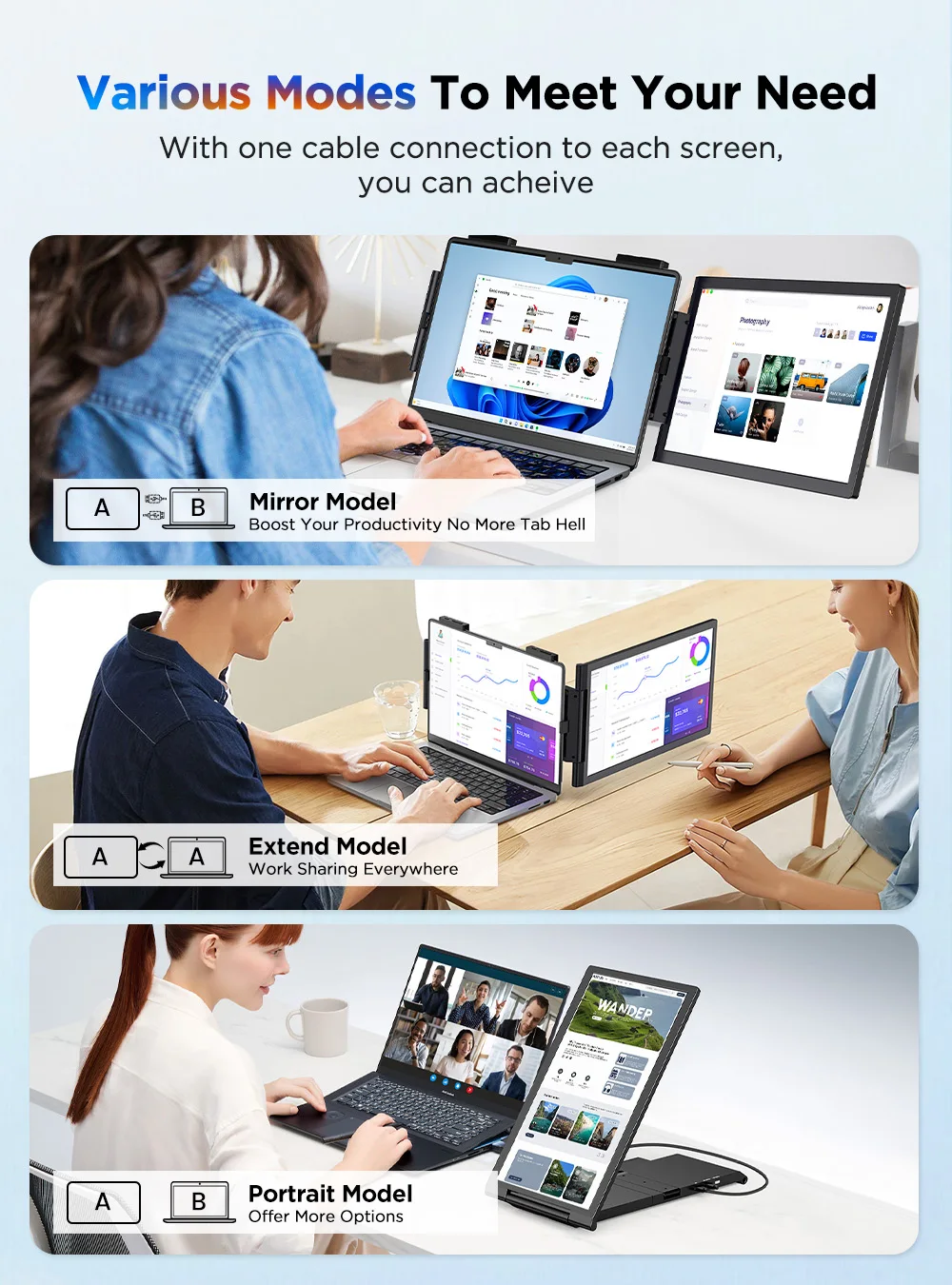
Feature: Speaker,Gaming,Vertical mode
High-Dynamic Range: HDR10
High-concerned chemical: None
Horizontal Viewing Angle: 178°
Interface Type: Type-C
Launch Date: 2022
Matrix color depth: 8 bit
Origin: Mainland China
Panel Type: IPS
Pixel Pitch: 0.28mm
Plug Type: EU Plug
Products Status: STOCK
Refresh Rate: 60 Hz
Refresh rate sync technology: AMD FreeSync
Resolution: 1920x1080
Response Time: 25ms
Screen Type: LCD
Screen curvature: NONE
Screen surface: MATT
Vertical Viewing Angle: 80°
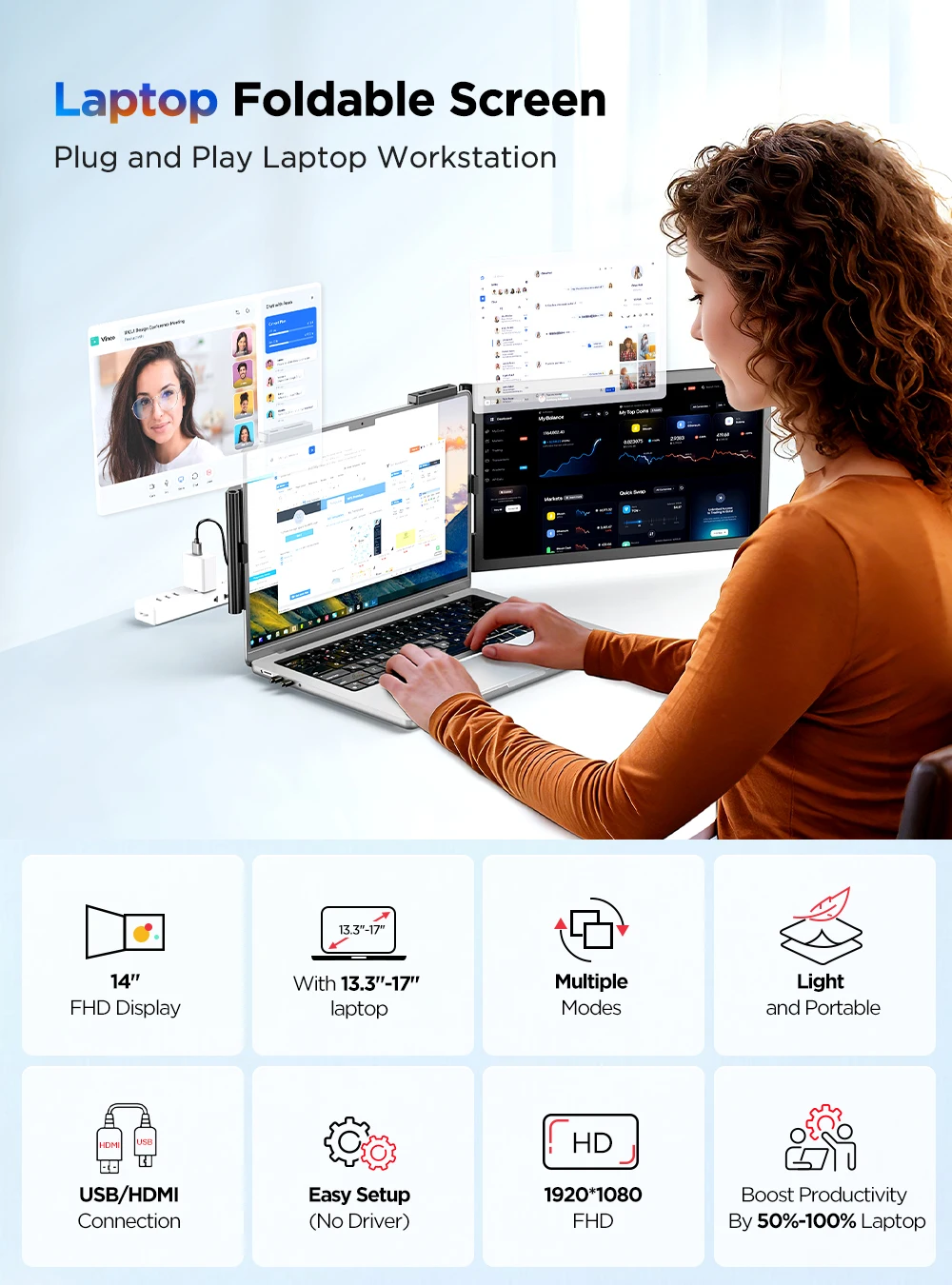
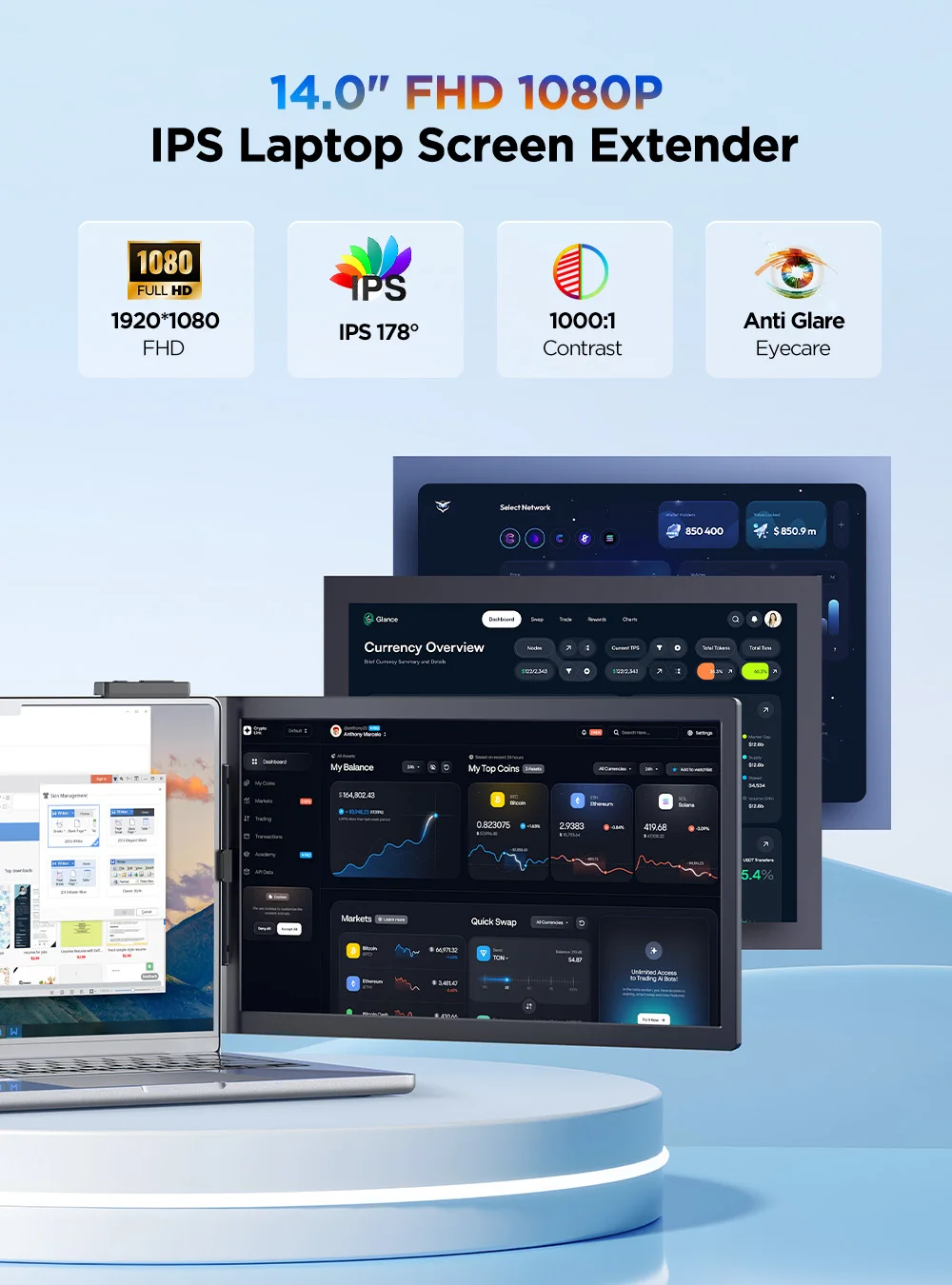
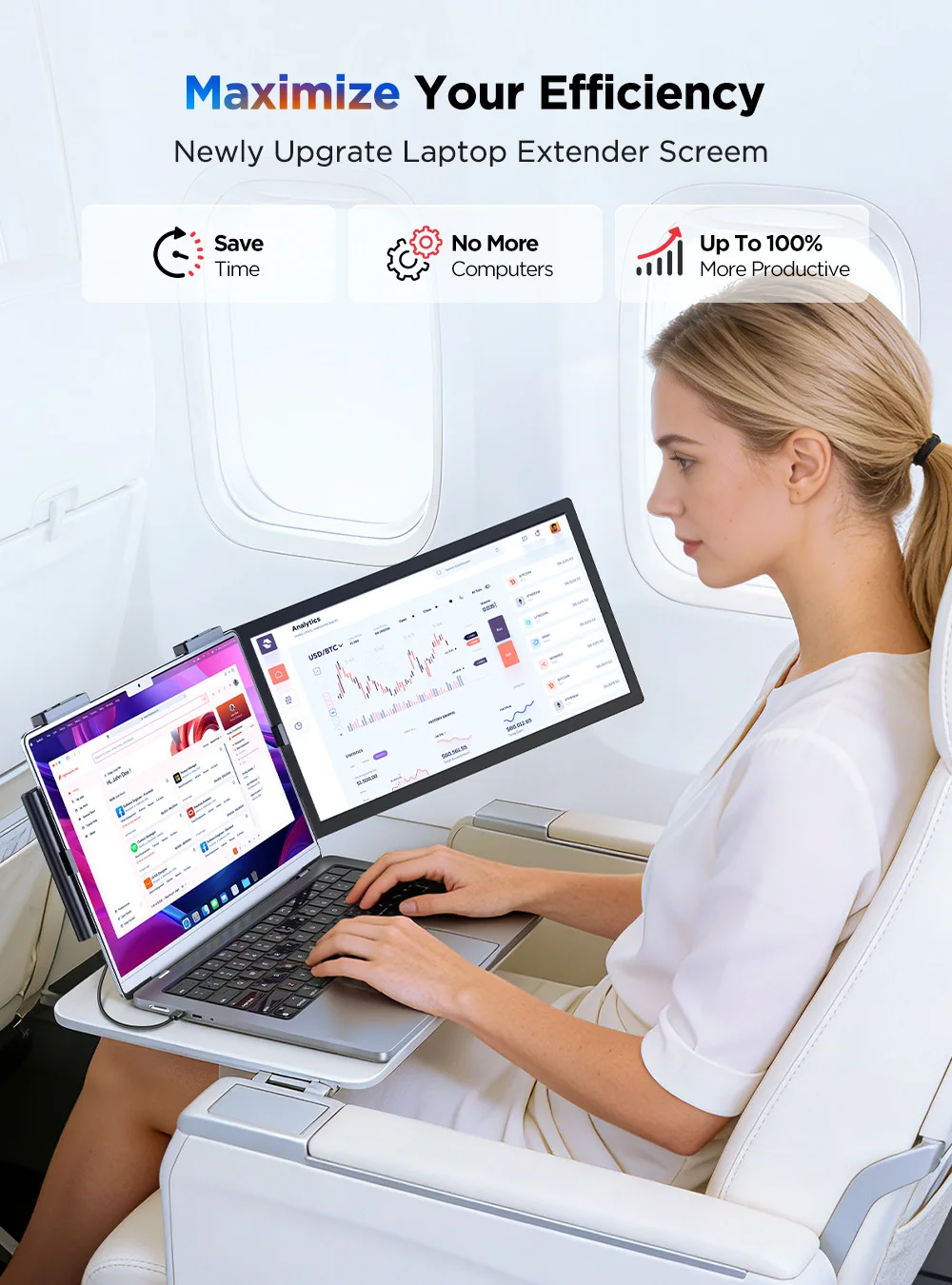
Specifications:
Refresh Rate: 60Hz
Screen Size: 14 inch
Resolution: 1920×1080 (FHD)
Display Ratio: 16:9
Viewing Angle: 178°
Panel Type: IPS
Contrast Ratio: 1000:1
Brightness: 300 cd/m²
Color Gamut: 100% sRGB
Color Depth: 16.7M(8bit)
Touch Screen: No
Built-in Battery: No
HDR: Yes
FreeSync: No
Vesa: No
Built-in Speaker: No
Product Size: 340 × 314 × 34 mm (13.39 × 12.36 × 1.34 inch)
Net Weight: 0.72 kg (1.59 lbs)
Interface:
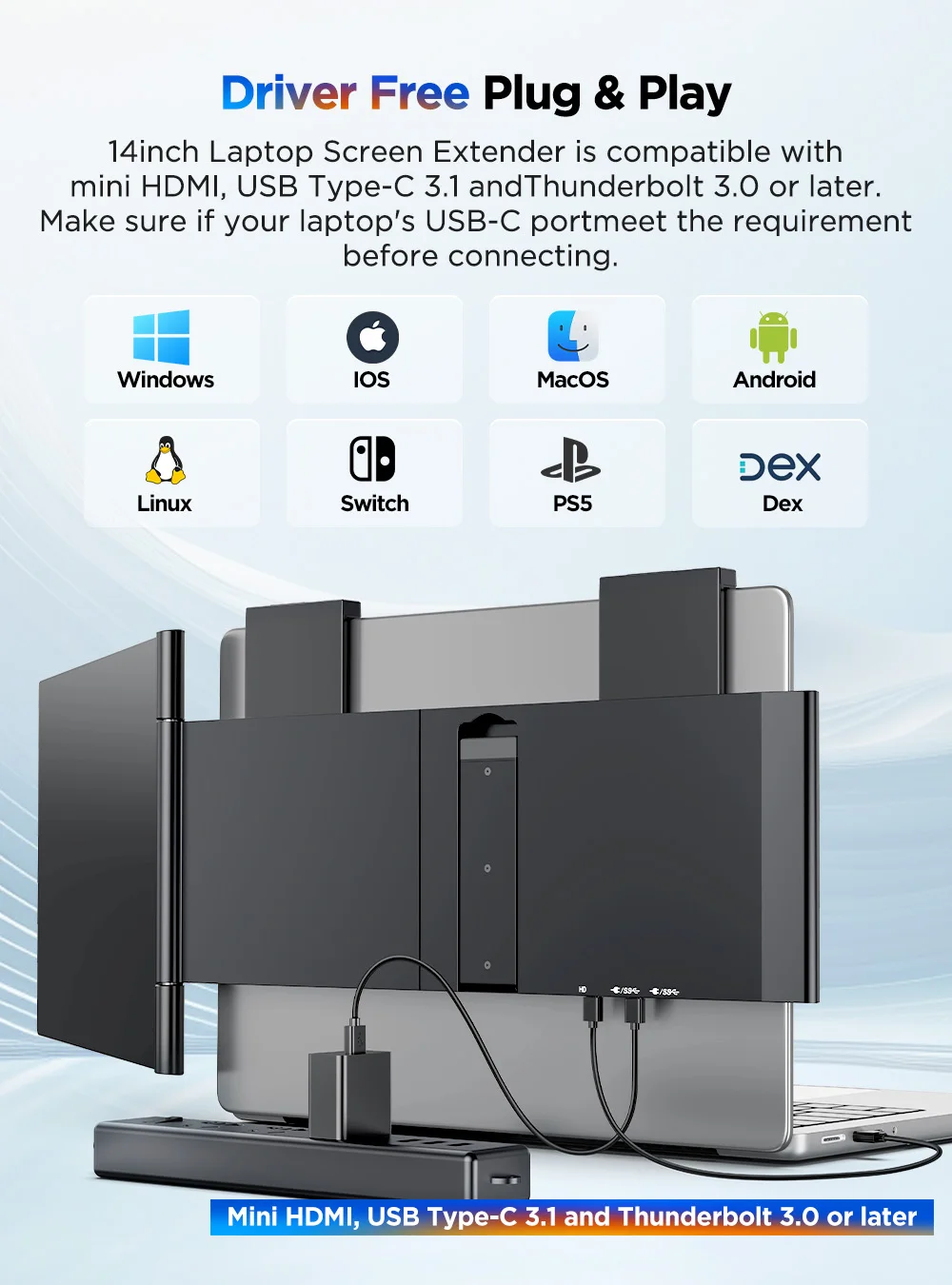
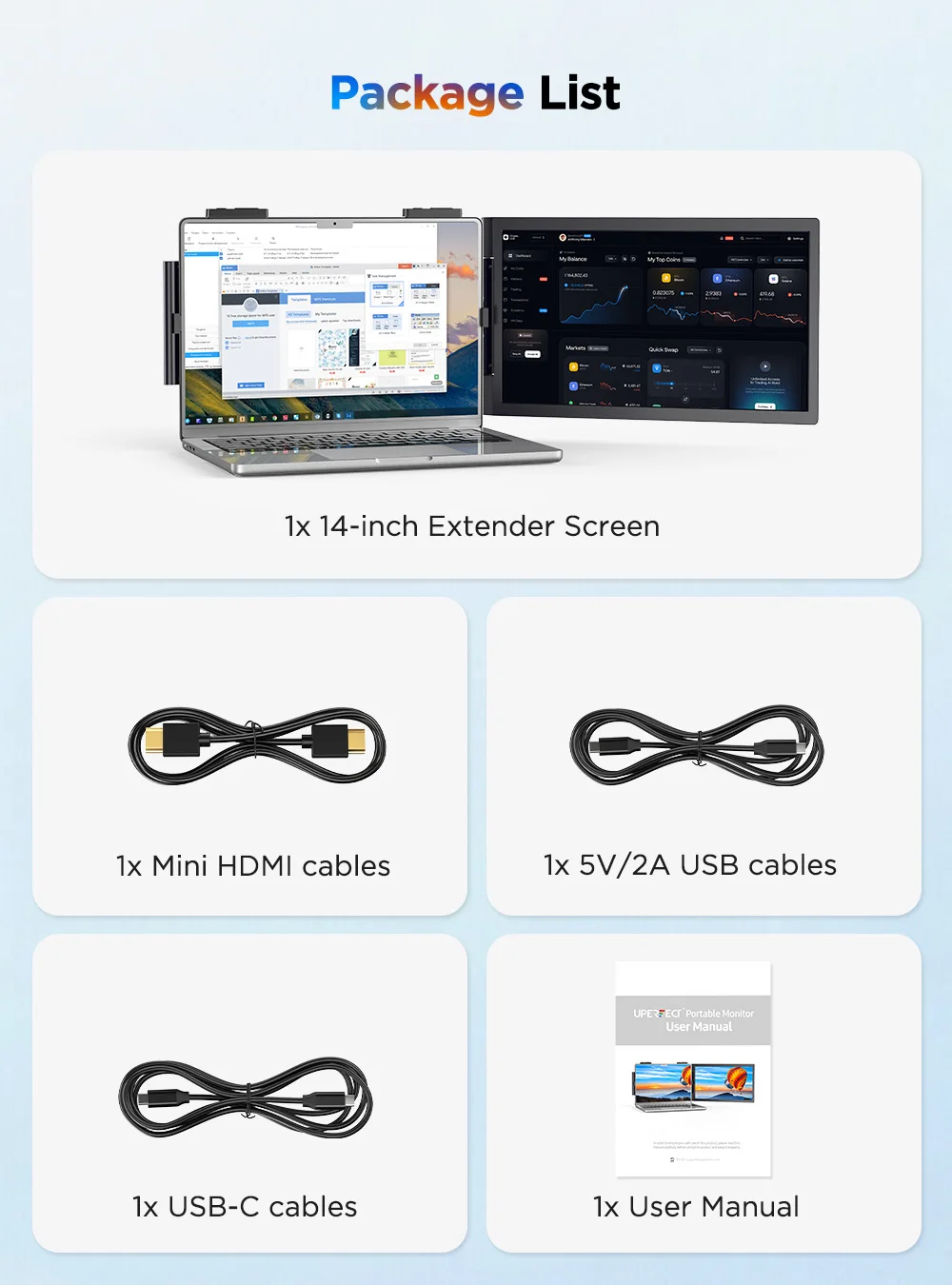
2 × Full-Featured USB Type-C for Audio & Video Input
1 × mini HDMI for Audio & Video Input
Support Single Type-C Cable For Display & Power Device Model
- Mobile Phones Support USB 3.1:
For Samsung: Samsung Galaxy S8, S8+, S9, S9+, S10, S10+, S10e,S20,S20+,S20 Ultra,S21,S21+,S21 Ultra,S22,S22+,S22 Ultra, Note 8, Note 9,Note 10
For Huawei: P50 Pocket/40 Pro/40/30/20/10/9 Series, Mate X/Xs/X2/40 Pro/40/30/20/10/9 Series, Honor Note 10,Honor Magic V/3/Pro/Pro+/4/4 Pro/4 Ultimate;
For SONY: Xperia 1 / 1 II/1 III/1 IV/5/5 II/5 III/10 III/Pro/Pro-I;
For OnePlus: 7/7 Pro/8/8 Pro/9/9R/9 Pro;
For OPPO: Find X3 Pro/Reno 10x Zoom/Reno 5G/R17 Pro (OPPO RX17 Pro in Europe);
For LG: V60/V50/V40/V35/V30/V30+/V20 Series,G8/G7/G6/G6+(with Dec 2018 update)*functionality has not been tested*/G5 Series,Q8;
For HTC: 10/U Ultra/U11/U11+/U12+/U19e,Exodus 1;
For ASUS:ROG Phone/Phone II/Phone 3/Phone 5/Phone 5s Series,ZenFone 3 Ultra,ZenFone AR,ZenFone Ares;
For Motorola: Edge+/Edge S (China variant)/Moto G100 (global version for European market)/ Edge 20 Pro/30 Pro(global variant)/X30;
For Xiaomi: Black Shark 2/3/4;
For ZTE: Axon 9 Pro/10 Pro,Nubia Red Magic 6S Pro/7/7 Pro;
Others: BlackBerry Key2,BQ Aquaris X2,Essential Phone,Fairphone 4,Lenovo Legion Phone Duel/2 Pro/Duel 2,NOKIA 9 PureView, Microsoft Lumia 950/950 XL, HP Elite x3,Razer Phone/Phone 2,Fairphone 4;
*NOTE: If you can not find your devices above, please use IOS/Android to HDMI Adapter for connecting.
- Laptops Support Thunderbolt 3 or USB 3.1:
For Apple: Apple MacBook Pro (Late 2016) and newer,Apple MacBook Air (Late 2018) and newer ;
For Huawei: MateBook D/X/X Pro/E/13, MagicBook;
For ASUS: ZenBook, U4100UN, U5100UQ, ROG Series;
For HP: EliteBook Folio G1, Spectre 13,ZbookZbook Studio;
For Dell: G3/G5/G7 Series, Inspiron 5000/7000 Series, XPS12/13/15;
For Lenovo: Thinkpad E580/T470/T470s/T480/T480s/X1 Carbon (2017-2019);
For MIUI: Air 12.5"/133.3", Pro 15.6", MI Game NoteBook
For Google: ChromeBook Pixels
For Razer: Blade Stealth Series (All)
For Microsoft: Surface Book 2
Others: Acer Swift 5,MSI GS60 6QE,Gigabyte Aero 15x/15 x9/15 y9;
*NOTE: If you can not find your devices above, please use mini HDMI cable instead.
Warm tips:
If the screen signal is poor or flickers, make sure you are only operating the monitor with the adapter that came with it. With other adapters, the voltage may be insufficient. If the screen still flickers, please swap the HDMI cable to test.
Please check the Type-C port of your PC/Laptop whether it supports the transmission of audio and video signals (Thunderbolt3). If it doesn't, you'll need a "Type-C to HDMI" adapter for signal transmission.
If "No Signal" or "Power Saving Mode" appears, please switch the Type-C cable head to another side and reconnect the monitor.
The monitor turns on in the default power save mode. (Note: No save function in sleep mode, you need to close it manually.)
Couldn't load pickup availability
1199 in stock
View full details