


22-Channel 12G Custom Design Transmission Fiber Kits With XLR Audio and 1GB Ethernet
22-Channel 12G Custom Design Transmission Fiber Kits With XLR Audio and 1GB Ethernet
SPECIFICATIONS
Brand Name: NONE,Ho- Link
Certification: CE RoHS FCC
Fiber connector: LC
High-concerned chemical: none
Item Type: cable
Model Number: HL-S12G-22XLR1G
Optical module paramete: Single fiber single mode 10km
Origin: Mainland China
Power Supply: AC100-240V
Warranty Time: 3 years
Wavelength: 1550-1310nm
power Dissipation: <15W
22-Channel 12G Custom Design Transmission Fiber Kits With XLR Audio and 1GB Ethernet
Contact Lari directly with any requirements — there may be a surprise!
WhatsApp/Wechat: +86 158 7552 0146
Email: sales01@holinktech.com
1. 16x 12G-SDI In
4. 2x XLR Out
Features
* Using full digital processing technology, the image is clear, no color phase difference
* With APC circuit, constant output optical power, large dynamic range
* CWDM technology realizes multi-channel signal transmission, large capacity and easy to upgrade
* The inputs are cable equalized to compensate for cable transmission losses
* An output clock recovery circuit is provided to reduce signal jitter, which enables good handling of distorted signals
* Input/output cable transmission distance up to 80m (BELDEN8281 cable)
Input Connector: XLR (Female).
Output Connector: XLR (Male).
Input / Output Impedance: 600 Ohm.
Max input/output voltage: 4.0Vp-p.
Signal level: 0.5-4Vp-p.
Sampling frequency: 192 KHz.
SNR: 100dB.
Audio interface level III lightning protection, reaching IEC61000-4-5 (8/20 μ s) Differential mode: 6KV.
* Transmission distance 10KM
* LED status indicator to monitor the operating status of the unit
* Plug and play, no setup required
* The devices are used in pairs, note that the devices are distinguished between transmitters and receivers
Specifications
Fiber Index | |
Wavelength |
1310/1550nm |
Rate |
12G bps |
Tx power |
>-6db |
Rx sensitivity |
>-14db |
Fiber connector |
LC as default, SC/FC/ST option |
Video Index | |
Signal type |
SMPIE 424M |
Work standards |
DVB-ASI 、SMPTE259M-C、SMPTE292M、SMPTE424M |
Bit rates |
270 Mbps, 1.485 Gbps, 2. 97Gbps |
Video Input / Output | |
Signal type |
1 single-link |
Input impedance |
75 Ohm |
Enter the automatic cable equalization |
>80m (1. 485 Gbps@BELDEN8281 cable) |
Clock recovery |
270 Mbps, 1. 485 Gbps, and 2. 97Gbps are automatic, the others are bypass |
Input level |
800mVp-p±10% |
Enter the echo loss |
>10dB @ 2. 97 Gbps |
Output DC offset |
<±0. 5V |
Output echo loss |
>10dB @ 2. 97 Gbps |
The biggest shake |
<0. 1UI(1485Mbps) |
Signal overshoot |
<5% (1485Mbps) |
Equipment Information | |
The shell metal |
Aluminium alloy |
Way to install |
Rack-mounted |
Product net weight (unit: pair) |
15KG |
Product weight (including the outer packaging) |
18KG |
Input voltage |
AC 100~240V 50/60Hz |
Power dissipation |
<15W |
Overload protection |
provide |
Over current protection |
provide |
Other indexes | |
Operating temperature |
-20°C ~75°C |
Storage temperature |
-40°C ~85°C |
Relative humidity |
From 5% to 95% (non-condensing) |
Working life |
> 100,000 hours |
Picture

Application
1. SMPTE is compatible with a serial digital interface
2.UHDTV/4K/8K/HDTV/SDTV video
3. IP media gateway
4. Digital video processing and editing


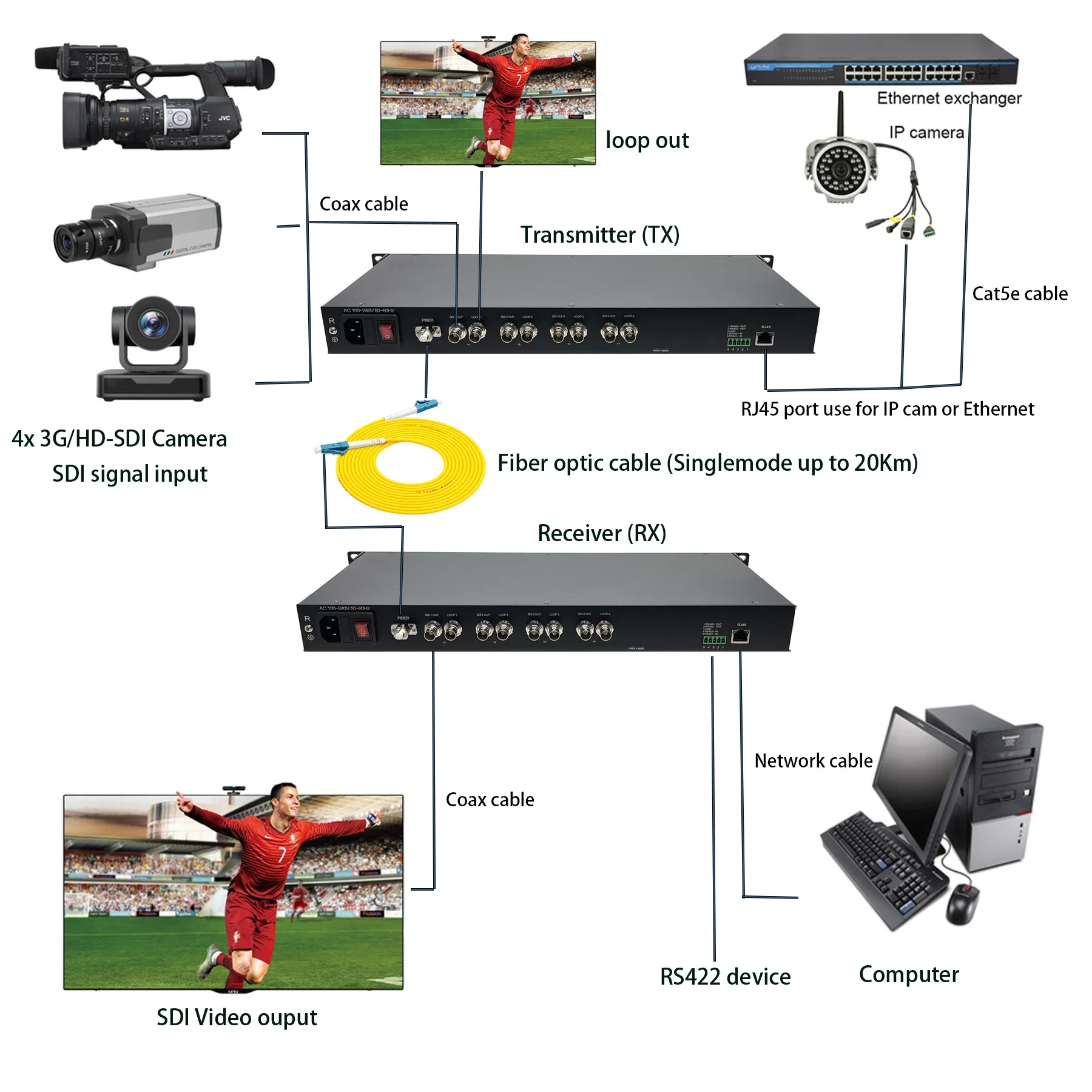
Connection Diagram Reference
Attention
Lightning protection, static electricity and grounding:
It is recommended that when install the device, consideration should be given to the impact of grounding by lightning, and take prevention measures. Strong static electricity will damage the optical device and data chip in the equipment. It is recommended that when plug/unplug the data port of the optical converter, please disconnect the power supply of the optical converter first.
Fiber and optical components:
Be careful when plugging the optical fiber as optical components of the optical converter is very fragile, and it should avoid causing damage to the optical components. It should be noted that the light source produced by the optical components of the optical converter will be harmful to eyes, so do not have a direct eye with the optical components of optical converter. If you need to detect the optical power of the optical converter, please use the optical power meter.
Equipment and installation procedures:
1. Optical fiber installation: please carefully insert the optical fiber into the optical fiber interface of the optical terminal after confirming that the optical fiber link meets the installation requirements.
2. Equipment installation: The equipment can be distinguished between transmitter and receiver, and it is stated clearly on the label and printed on the chassis of the equipment.
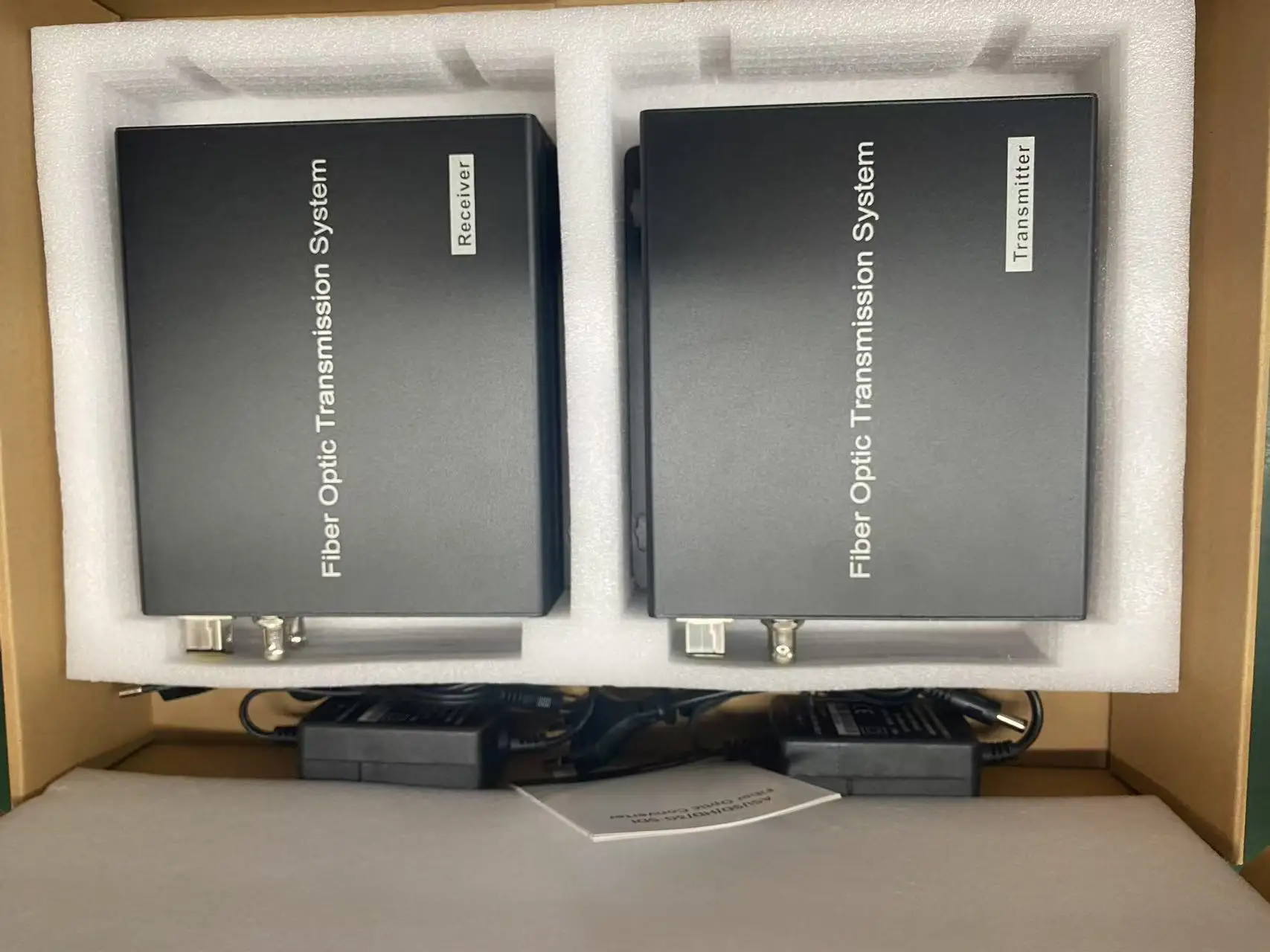
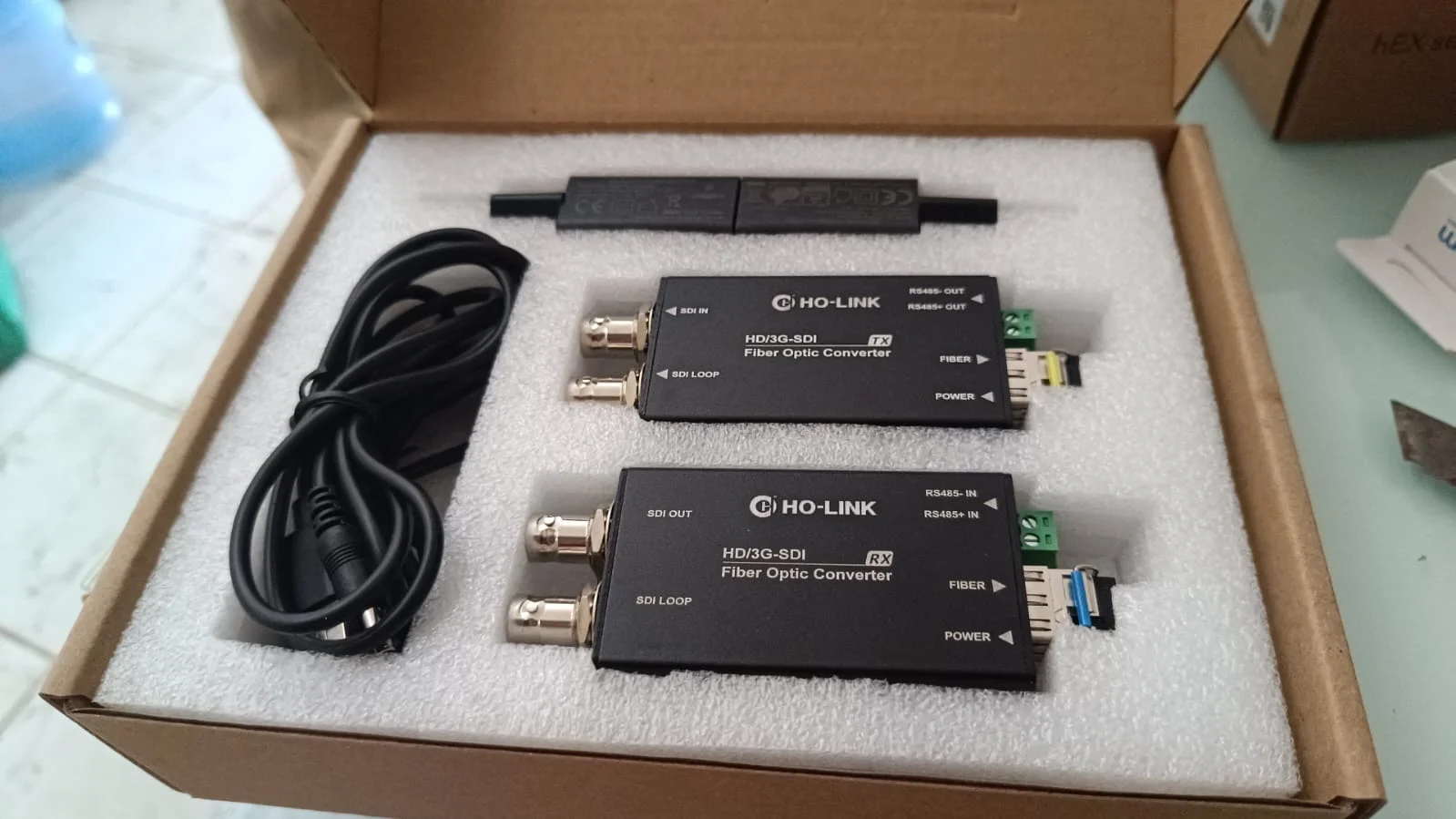
Package Reference
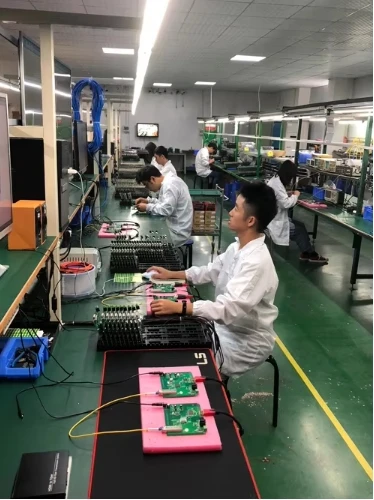
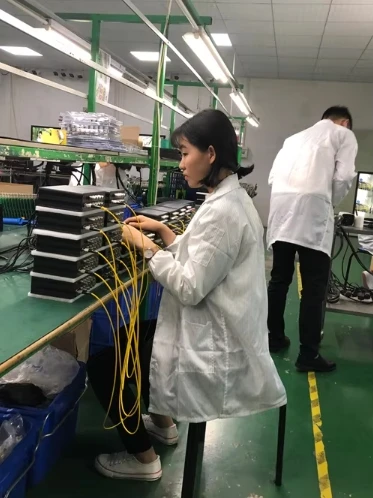
Production & Testing
Couldn't load pickup availability
100 in stock
View full details

